How to unlock bootloader of Xiaomi Pad 7 (Uke) | Xiaomi Pad 7 Bootloader Unlock (Paid Service)
 Shakib's Universe
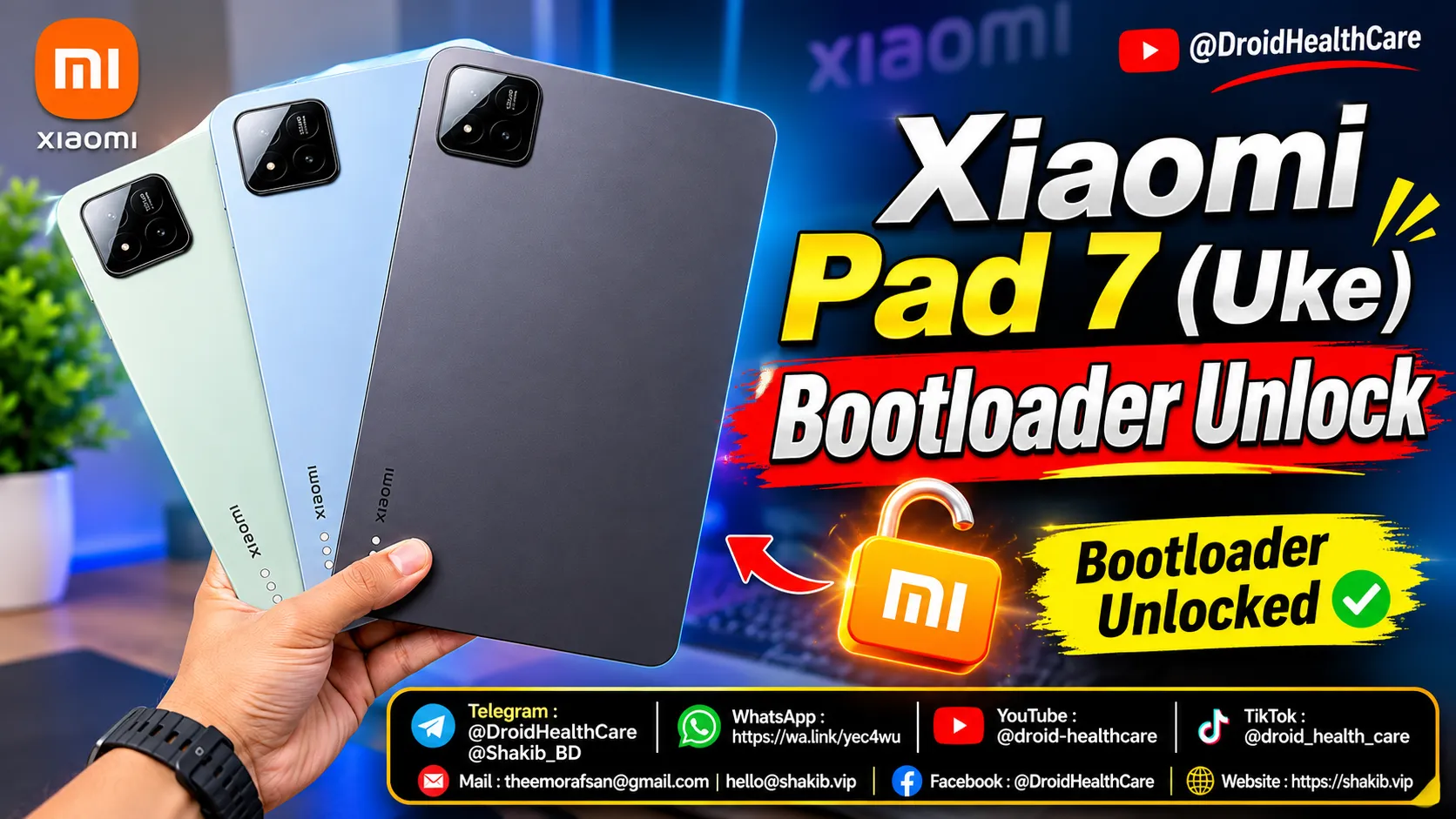
Xiaomi Pad 7 (Uke) Bootloader Unlock Service | Remote Unlocking
If you are looking to lift manufacturer software restrictions on your tablet to flash custom ROMs, install custom kernels, or root your device, unlocking the bootloader is your required first step. We provide a professional, secure, and fully guided remote bootloader unlock service for the Xiaomi Pad 7 (Codename: Uke) right from your Windows PC.
Xiaomi Pad 7 (Uke) Full Specifications
For your reference, here are the technical hardware specifications of the Xiaomi Pad 7 (Uke):
- Display: 11.2 inches, 3.2K resolution (2136 x 3200 pixels), 144Hz IPS LCD, Dolby Vision
- Processor (SoC): Qualcomm Snapdragon 7+ Gen 3 (4 nm, Octa-core up to 2.8 GHz)
- RAM Options: 8GB / 12GB LPDDR5X
- Storage Options: 128GB (UFS 3.1) / 256GB (UFS 4.0)
- Rear Camera: 13 MP, f/2.2, 4K video recording support
- Front Camera: 8 MP selfie camera
- Battery & Charging: 8,850 mAh battery supporting 45W Fast Charging
- Operating System: Android 15, HyperOS 2
Professional Remote Xiaomi Bootloader Unlock Service
Unlocking modern Xiaomi and Redmi tablets can be challenging due to regional security restrictions and official token verification roadblocks. We take care of the heavy lifting remotely, ensuring a smooth and safe process.
Why Choose Our Service?
- 100% Reliable Support: We work with you step-by-step until your Xiaomi Pad 7 bootloader is successfully unlocked.
- Convenient Remote Handling: No need to risk bricking your hardware or sending your device away—everything is managed remotely.
- Expert Technicians: Backed by professional years of mobile software servicing, unbricking, and advanced firmware flashing expertise.
Frequently Asked Questions (FAQ)
What is a Bootloader Unlock?
A bootloader is a low-level code sequence that runs when your device boots up, initializing your operating system kernel. Unlocking it removes factory security lockouts, allowing advanced users to install custom software, root packages (like Magisk), and modify system partitions.
Is remote unlocking safe for my Xiaomi Pad 7?
Yes, our service utilizes trusted proprietary procedures and safe data handling protocols over remote connection tools to ensure your device remains healthy throughout the unlock procedure.
What is Required From You?
To use our paid remote unlocking service, make sure you have the following ready:
- Windows PC: A computer running Windows 10 or 11 (64-bit) with a stable, high-speed internet connection.
- Remote Software: AnyDesk or UltraViewer installed on your PC.
- USB Cable: An original or high-quality Xiaomi USB cable for dependable connection.
Get Started Today
Ready to unlock your tablet’s full potential? Book our service now:
👉 Order Bootloader Unlock Service Now
Contact & Support Channels
Have questions before booking? Feel free to reach out to us directly through any of our official channels:
| Platform | Link / Handle |
|---|---|
| TG Channel | Join Telegram Channel |
| TG Group | Join Telegram Group |
| TG Account | Contact via Telegram |
| Chat on WhatsApp | |
| YouTube | Visit YouTube Channel |
| TikTok | Follow on TikTok |
| theemorafsan@gmail.com | |
| Visit Facebook Page | |
| Website | Visit Website |
Phone bootloop? I fix it remotely — see repair services.
No fix, no pay — remote support worldwide.
Updated on

Related Posts
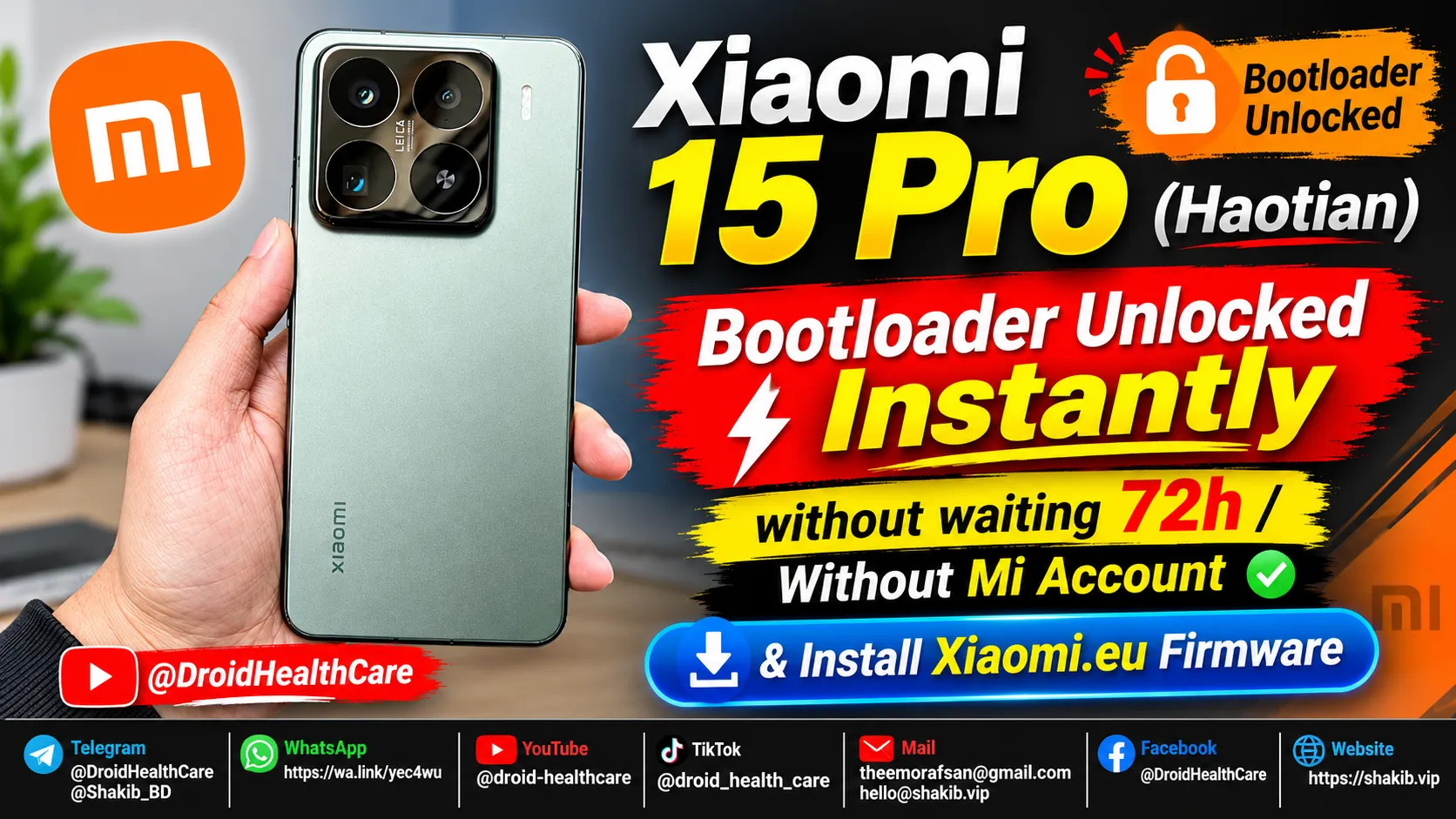
Xiaomi 15 Pro (Haotian) Instant Bootloader Unlock Instantly & Install Xiaomi-EU Firmware
How to unlock Bootloader Xiaomi 15 Pro (Haotian) Chinese region device? bootloader unlock xiaomi 15 pro in 2026.
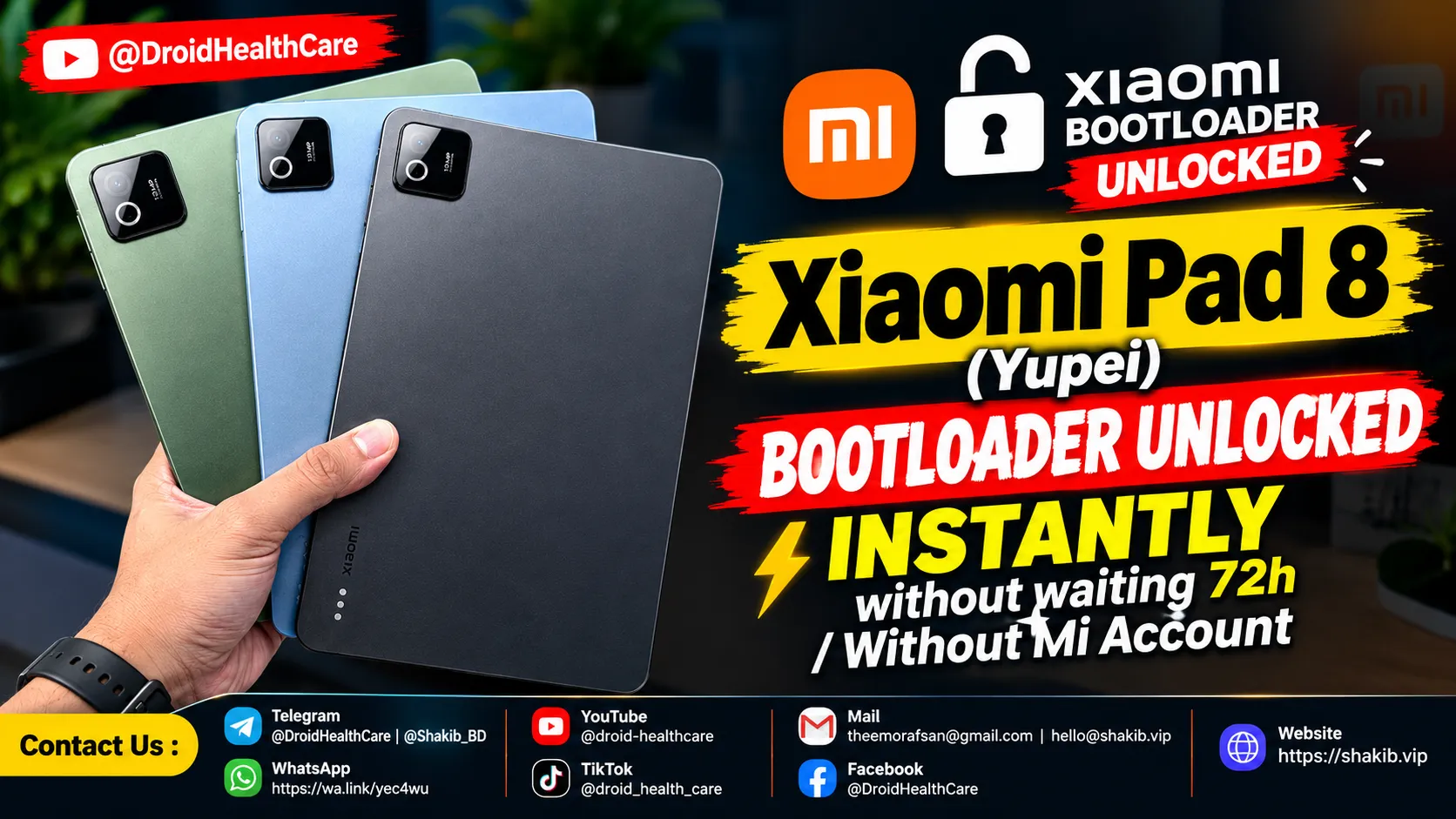
Xiaomi Pad 8 (Yupei) Bootloader Unlock Instantly, No Need Mi Community Permission, No Need Mi Account. (Paid Service)
Bootloader Unlock Xiaomi Pad 8 (Yupei) | How to Unlock Bootloader Xiaomi Pad 8
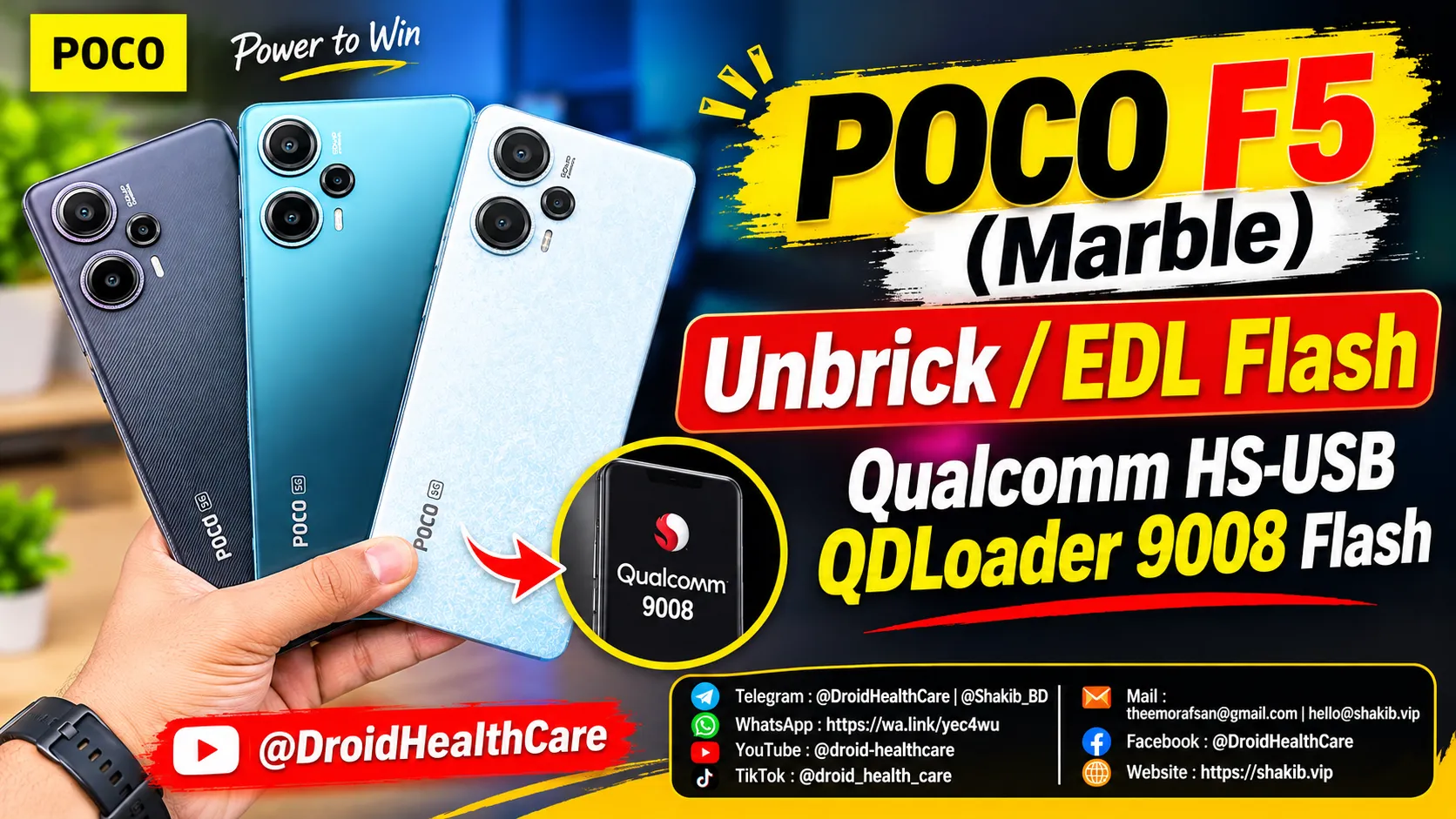
Poco F5 (Codename: Marble) Hardbrick Fix | Unbrick | Dead Boot Repair | Qualcomm HS-USB QDLoader 9008 Mode Flash | Fix Black Screen Solution.
Poco F5 (Marble) Edl Flash / HardBrick Fix / DeadBoot Repair / Qualcomm HS-USB QDLoader 9008 Flash.