Poco F5 (Codename: Marble) Hardbrick Fix | Unbrick | Dead Boot Repair | Qualcomm HS-USB QDLoader 9008 Mode Flash | Fix Black Screen Solution.
 Shakib's Universe
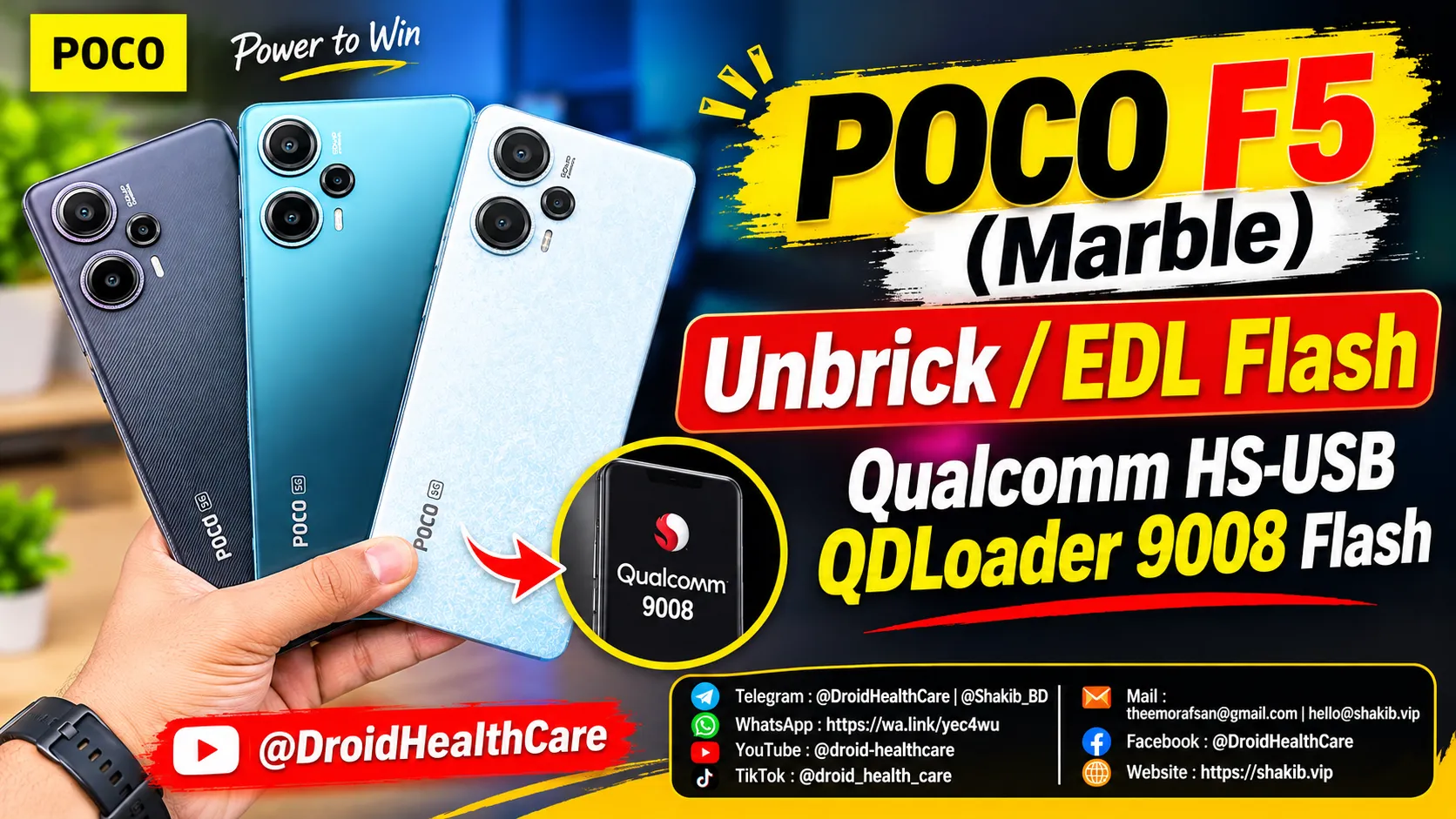
Poco F5 (Marble) EDL Flash, Unbrick & Authorized Remote Flashing Guide
Poco F5 (Marble) Specifications
- Processor: Qualcomm Snapdragon 7+ Gen 2 (4 nm)
- RAM & Storage: 8GB/12GB/16GB LPDDR5 RAM, 256GB/512GB UFS 3.1 ROM
- Display: 6.67-inch AMOLED, 120Hz, Dolby Vision, HDR10+, 1000 nits (HBM)
- Main Camera: Triple setup — 64 MP (wide, OIS) + 8 MP (ultrawide) + 2 cm Macro
- Front Camera: 16 MP (wide)
What is a Brick on a Xiaomi Device?
A “brick” refers to a state where your Xiaomi smartphone completely stops functioning, refusing to turn on, boot into the system, or enter Fastboot mode. This typically happens due to interrupted firmware flashes, incompatible custom ROM installations, or bad kernel modifications that corrupt critical boot partitions (like boot, xbl, or modem).
When a device is fully bricked, the screen stays completely black, and connecting it to a computer via USB displays it in Device Manager as Qualcomm HS-USB QDLoader 9008.
Why is Authorized Flash Required to Unbrick?
Xiaomi implements strict security protocols on modern devices to prevent unauthorized modifications. When a device is hard-bricked and trapped in EDL (Emergency Download) mode:
- Fastboot is inaccessible: Normal fastboot flashing commands will no longer work because the bootloader interface is dead.
- Server-Side Authentication: Qualcomm EDL mode requires a secure, encrypted authentication token from official Xiaomi flashing servers to push signed firmware files onto the device storage.
- Standard flash tools cannot bypass this security layer without authorized service credentials, which is why remote authorization is mandatory.
What Happens When a Device is Bricked?
- The phone fails to boot or show the Mi/Xiaomi logo.
- The device does not respond to power buttons or volume key combinations.
- Connecting the phone to a Windows PC detects it strictly as Qualcomm HS-USB QDLoader 9008 under ports, with no display activity.
We Provide Xiaomi Authorized Flash Remotely
If your Poco F5 (Marble) or any other Xiaomi device is hard-bricked, you do not need to risk visiting a physical service center or replacing the motherboard. We provide safe, professional, and secure remote unbricking services. Using official authorized server channels, we can restore your phone back to 100% stock working condition right from your desk.
What is Required From You?
To proceed with the remote flash session, ensure you have the following ready:
- Latest official firmware package matching your device region.
- A Windows PC (Windows 10/11 64-bit) with a stable, high-speed internet connection.
- Remote desktop software: AnyDesk or UltraViewer installed.
- Original Xiaomi USB cable plugged into a rear motherboard USB port on your PC.
Order Now
Ready to fix your bricked Poco F5 (Marble)? Place your order instantly at:
💭 Order Now 💭
Phone bootloop? I fix it remotely — see repair services.
No fix, no pay — remote support worldwide.

Related Posts
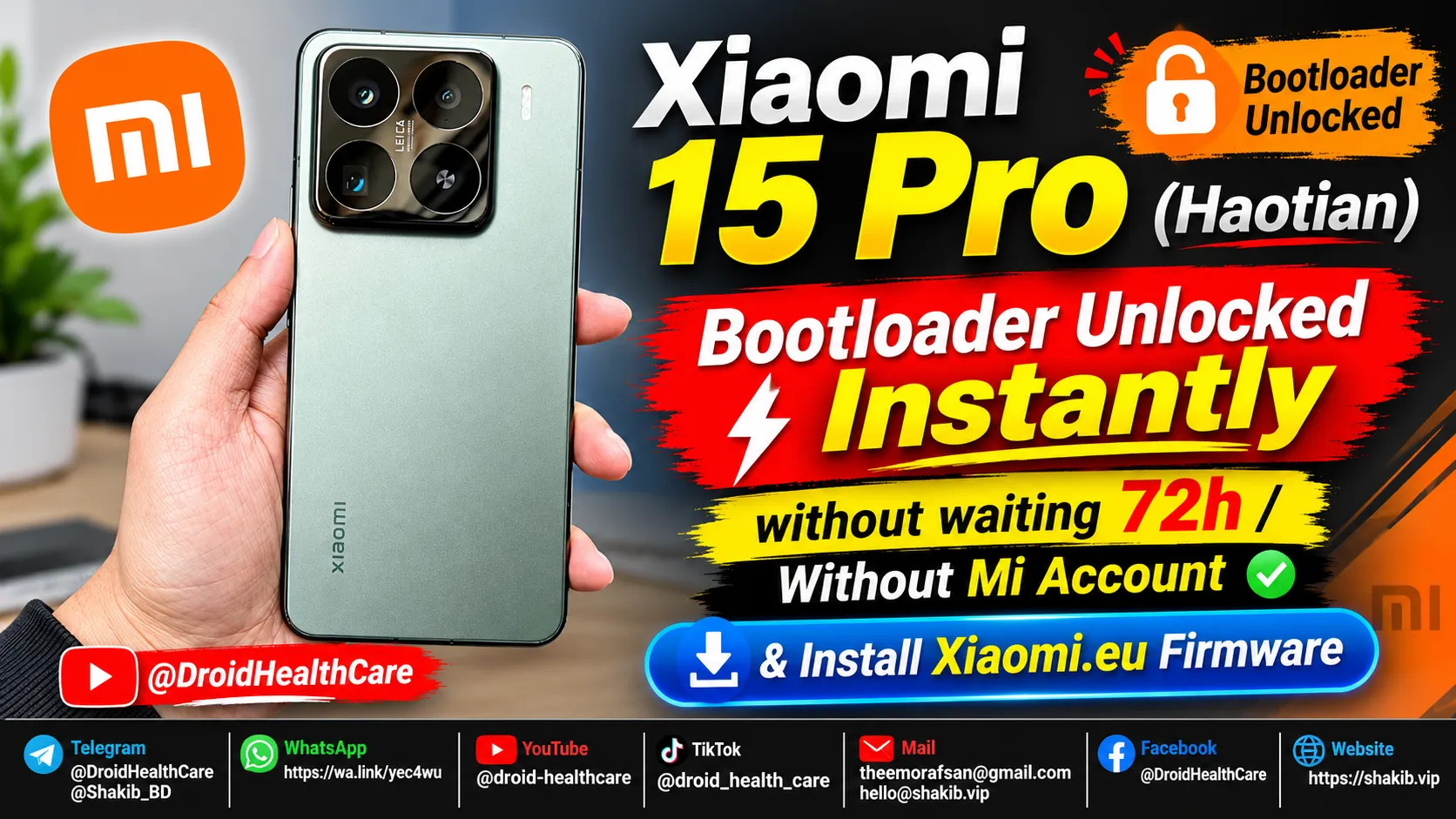
Xiaomi 15 Pro (Haotian) Instant Bootloader Unlock Instantly & Install Xiaomi-EU Firmware
How to unlock Bootloader Xiaomi 15 Pro (Haotian) Chinese region device? bootloader unlock xiaomi 15 pro in 2026.
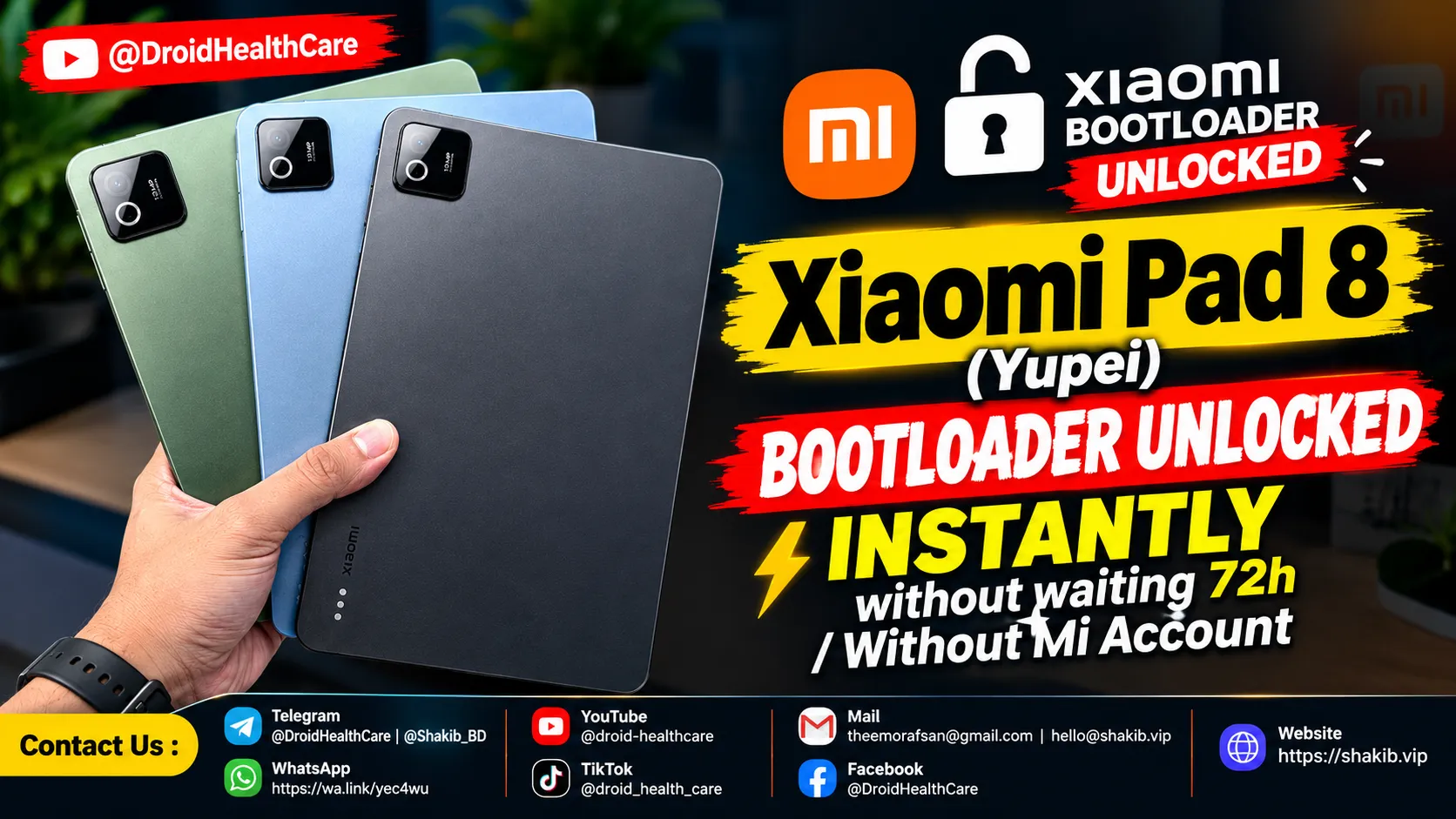
Xiaomi Pad 8 (Yupei) Bootloader Unlock Instantly, No Need Mi Community Permission, No Need Mi Account. (Paid Service)
Bootloader Unlock Xiaomi Pad 8 (Yupei) | How to Unlock Bootloader Xiaomi Pad 8
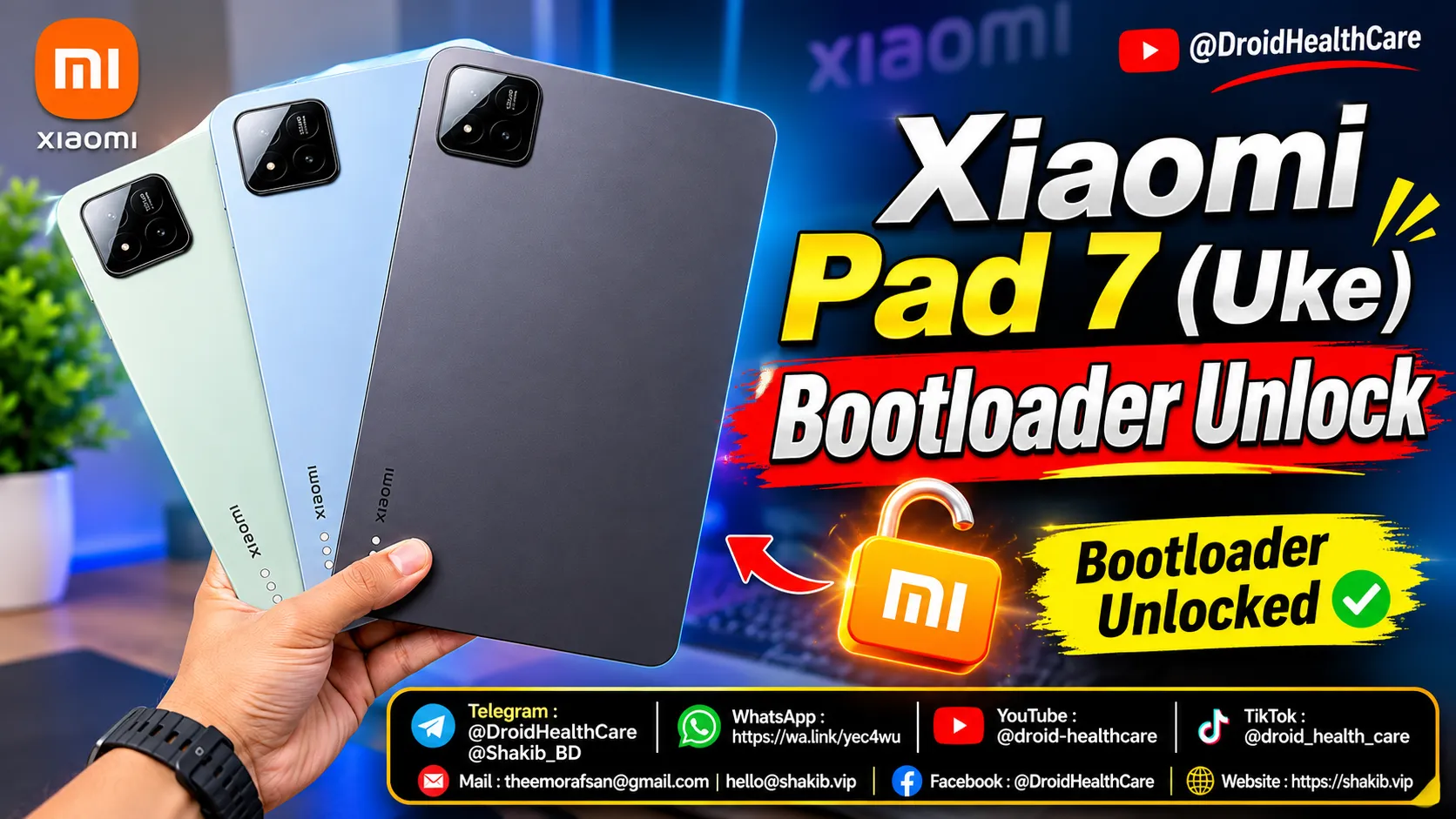
How to unlock bootloader of Xiaomi Pad 7 (Uke) | Xiaomi Pad 7 Bootloader Unlock (Paid Service)
Xiaomi Pad 7 (Uke) Bootloader Unlock Paid Service 2026. How to Unlock Bootloader Xiaomi Pad 7 (Uke)?