Get Xiaomi Global Devices Bootloader Unlock Service using a Mi Community-authorized permission account. Buy or rent an eligible Mi Account to unlock supported Xiaomi, Redmi, and POCO devices across multiple regions.
 Shakib's Universe
- What is a Bootloader & Why Unlock It?
- What is Bootloader Unlock?
- What are the Benefits of Unlocking Your Bootloader?
- 🛠️ Step-by-Step Unlocking Guide
- ❓ Frequently Asked Questions (FAQ)
- Q. Can this account unlock my regional device (Indian, Indonesian, European, Global, Turkish, Taiwanese, etc.)?
- Q. Why do I need to log out of my own account and log into yours?
- Q. Can I use my own Mi Account after the bootloader is successfully unlocked?
- Q. Is the bootloader unlock permanent?
- Q. Can I install AOSP custom ROMs and root my device?
- Q. Can you give me this Mi Account permanently since I am paying for the service?
- Q. What happens if I relock my device by mistake? Will you provide another account for free?
- Q. Can you grant unlocking permission directly to my own Mi Account instead?
- Q. Why is there a 72-hour (or 168-hour) waiting period after binding?
- Q. Can I use my device normally during the waiting period?
- Q. Will I be able to use banking apps after unlocking? Can you help me fix them?
- 🛡️ Trust & Guarantee: Is This Safe?
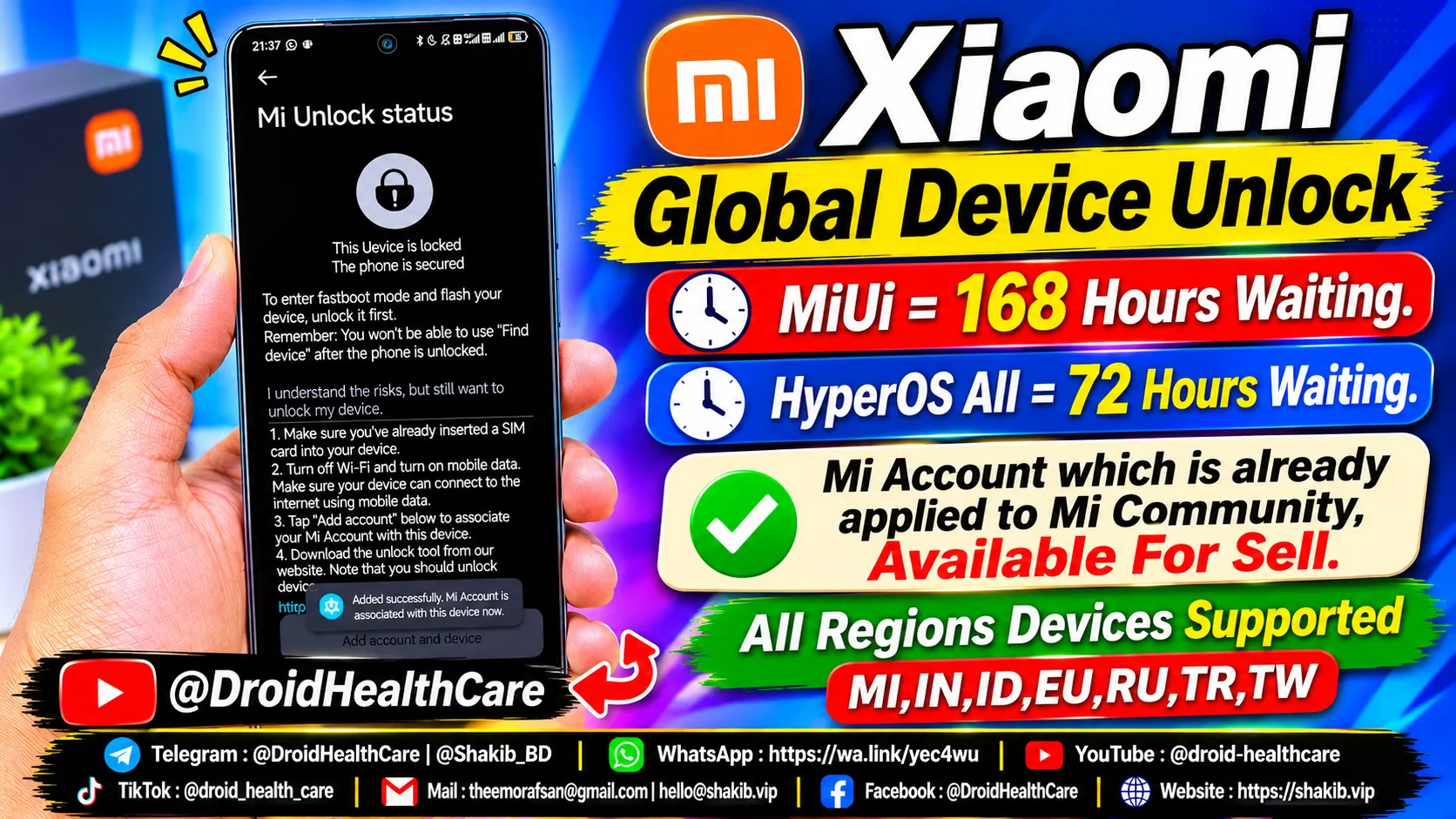
Xiaomi Bootloader Unlock Service Using Mi Account: Step-by-Step Guide & FAQ
Some Xiaomi devices cannot unlock their bootloaders instantly through standard methods. To solve this, we provide a Mi Community permitted account that has already been approved for official bootloader unlocking.
⚠️ Important Note: This ready-made account can unlock only one device. This is a strict security rule enforced by Xiaomi, not us.
What is a Bootloader & Why Unlock It?
What is Bootloader Unlock?
A bootloader is a piece of code that runs before any operating system begins to load. Device manufacturers like Xiaomi lock this code by default to ensure you only run their official software. Unlocking the bootloader removes this restriction, giving you deeper system-level access to your phone or tablet.
What are the Benefits of Unlocking Your Bootloader?
- Install Custom ROMs: Breathe new life into your device with AOSP, LineageOS, Pixel Experience, and other custom ROMs.
- Full Device Customization & Rooting: Gain root access via Magisk to install advanced mods, remove bloatware, and customize your system completely.
- Extended Software Lifespan: Continue receiving the latest Android updates even after Xiaomi officially drops support for your device.
🛠️ Step-by-Step Unlocking Guide
Follow these simple steps from A to Z to get your device unlocked safely:
- Log out of your current personal Mi Account from your phone.
- Log in using the special Mi Account details provided by Shakib.
- Navigate to:
Settings➔Additional Settings➔Developer Options➔Mi Unlock Status. - Tap Add account and device.
- Note: Use your mobile SIM data. If you are using a Xiaomi Pad without cellular support, use Wi-Fi instead to bind the account.
- Verify that it displays the success message:
“Added successfully. Mi Account ID is associated with this device now.”
- Wait for the required waiting period (72 hours / 3 days).
- During these 72 hours, you can use your phone completely normally.
- Crucial Rule: Do not log out of the provided Mi Account, change the password, or factory reset your phone. Logging out may reset Xiaomi’s timer and force another 72-hour wait.
- Once the waiting period is finished, message Shakib.
- Shakib will remotely connect via AnyDesk or UltraViewer on your PC to complete the final unlock process.
❓ Frequently Asked Questions (FAQ)
Q. Can this account unlock my regional device (Indian, Indonesian, European, Global, Turkish, Taiwanese, etc.)?
A: Yes! This account can unlock devices from any region, with the sole exception of the Chinese region.
Q. Why do I need to log out of my own account and log into yours?
A: The account we provide has special Mi Community unlocking permissions. You must temporarily use this account to bind it to your hardware.
Q. Can I use my own Mi Account after the bootloader is successfully unlocked?
A: Yes, absolutely! Once the bootloader is unlocked, you can safely log back into your own personal Mi Account. Our provided account is strictly a one-time key for the unlocking process.
Q. Is the bootloader unlock permanent?
A: Yes. This is Xiaomi’s official unlocking system. The unlock is permanent and will not relock unless you manually choose to do so.
Q. Can I install AOSP custom ROMs and root my device?
A: Yes! Once unlocked, you have complete freedom to flash custom ROMs, kernels, and root your device.
Q. Can you give me this Mi Account permanently since I am paying for the service?
A: No. Changing the email or phone number on a Mi Account triggers Xiaomi’s security flags, resulting in the account being unauthorized. Furthermore, we securely delete the account after the unlock is completed since each account can only be used for a single device.
Q. What happens if I relock my device by mistake? Will you provide another account for free?
A: No. Our responsibility ends once the device is successfully unlocked. Relocking the bootloader is done on your end and is your own responsibility. If relocked, you will need to purchase the service again for a new account.
Q. Can you grant unlocking permission directly to my own Mi Account instead?
A: Yes, we can do that as well, but it requires a longer processing time. Please discuss this directly with Shakib via personal message.
Q. Why is there a 72-hour (or 168-hour) waiting period after binding?
A: This is a mandatory security policy enforced directly by Xiaomi’s servers, not by us.
Q. Can I use my device normally during the waiting period?
A: Yes, you can use your phone for calls, apps, and daily tasks. Just remember: Do not log out of the Mi Account, do not change account details, and do not perform a factory reset.
Q. Will I be able to use banking apps after unlocking? Can you help me fix them?
A: Unlocking the bootloader revokes Google’s Play Integrity certification, which causes some banking apps to stop working natively. You will need to fix this yourself by rooting your device and following YouTube tutorials. We specialize in unlocking and root assistance (if requested), but banking app configuration is your responsibility.
🛡️ Trust & Guarantee: Is This Safe?
User Concern: “How do I know you won’t lock my device maliciously and demand more money after I log into your account?”
Shakib’s Response: Our core goal is simply to unlock your bootloader. We manage a massive inventory of verified Mi Accounts. If you have doubts about our credibility, feel free to check our official website, Telegram channel, YouTube channel, TikTok account, and Facebook pages. If you still feel hesitant, we prefer that you do not proceed to avoid any discomfort.
Ready to get started? Click the link below to book your service: 👉 Service Booking
Phone bootloop? I fix it remotely — see repair services.
No fix, no pay — remote support worldwide.
Updated on

Related Posts
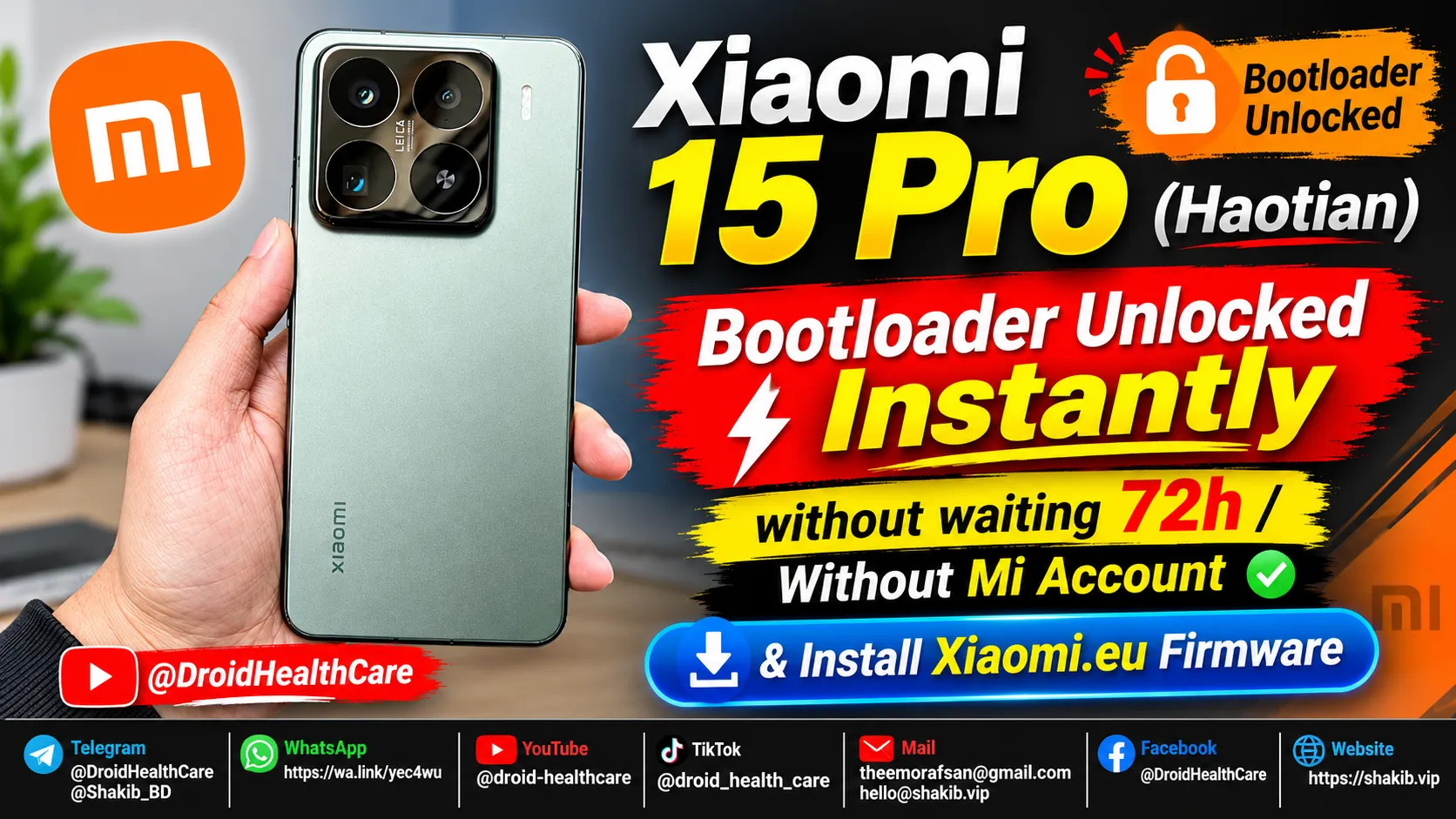
Xiaomi 15 Pro (Haotian) Instant Bootloader Unlock Instantly & Install Xiaomi-EU Firmware
How to unlock Bootloader Xiaomi 15 Pro (Haotian) Chinese region device? bootloader unlock xiaomi 15 pro in 2026.
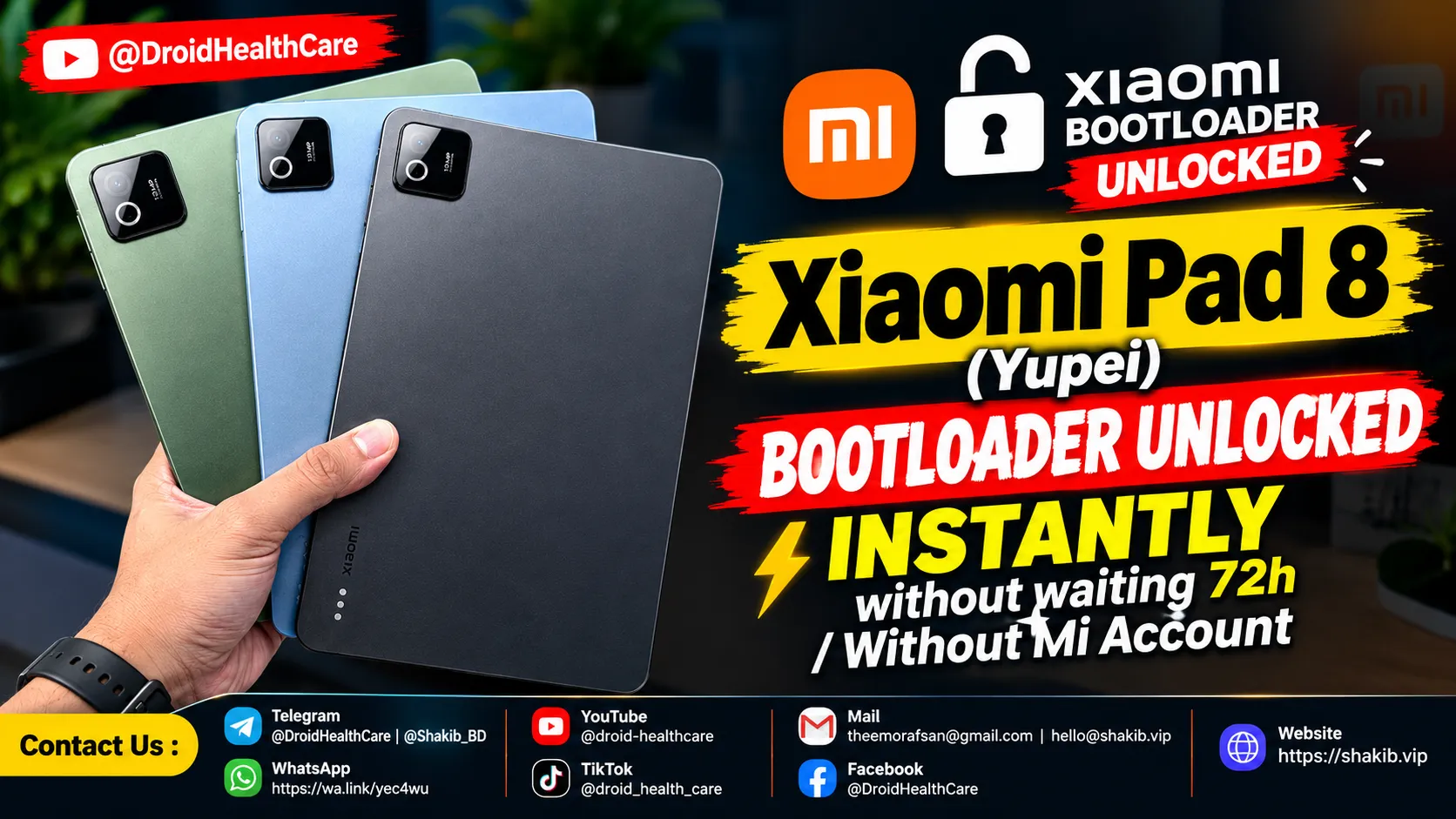
Xiaomi Pad 8 (Yupei) Bootloader Unlock Instantly, No Need Mi Community Permission, No Need Mi Account. (Paid Service)
Bootloader Unlock Xiaomi Pad 8 (Yupei) | How to Unlock Bootloader Xiaomi Pad 8
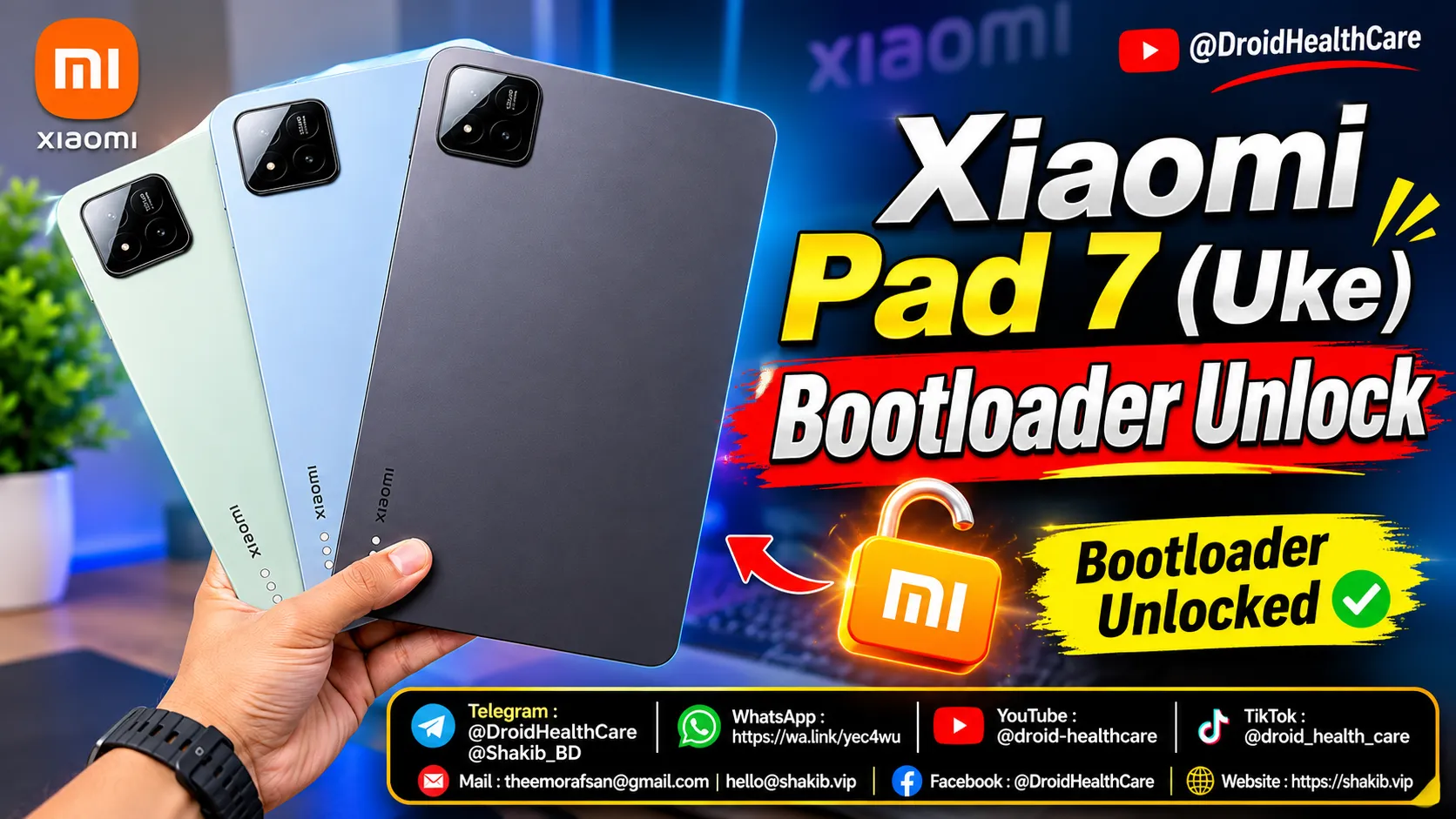
How to unlock bootloader of Xiaomi Pad 7 (Uke) | Xiaomi Pad 7 Bootloader Unlock (Paid Service)
Xiaomi Pad 7 (Uke) Bootloader Unlock Paid Service 2026. How to Unlock Bootloader Xiaomi Pad 7 (Uke)?