How to Fix Xiaomi "This System Version Can't Be Installed on This Device" Recovery Error & Convert to Global Firmware From Chinese Firmware.
 Shakib's Universe
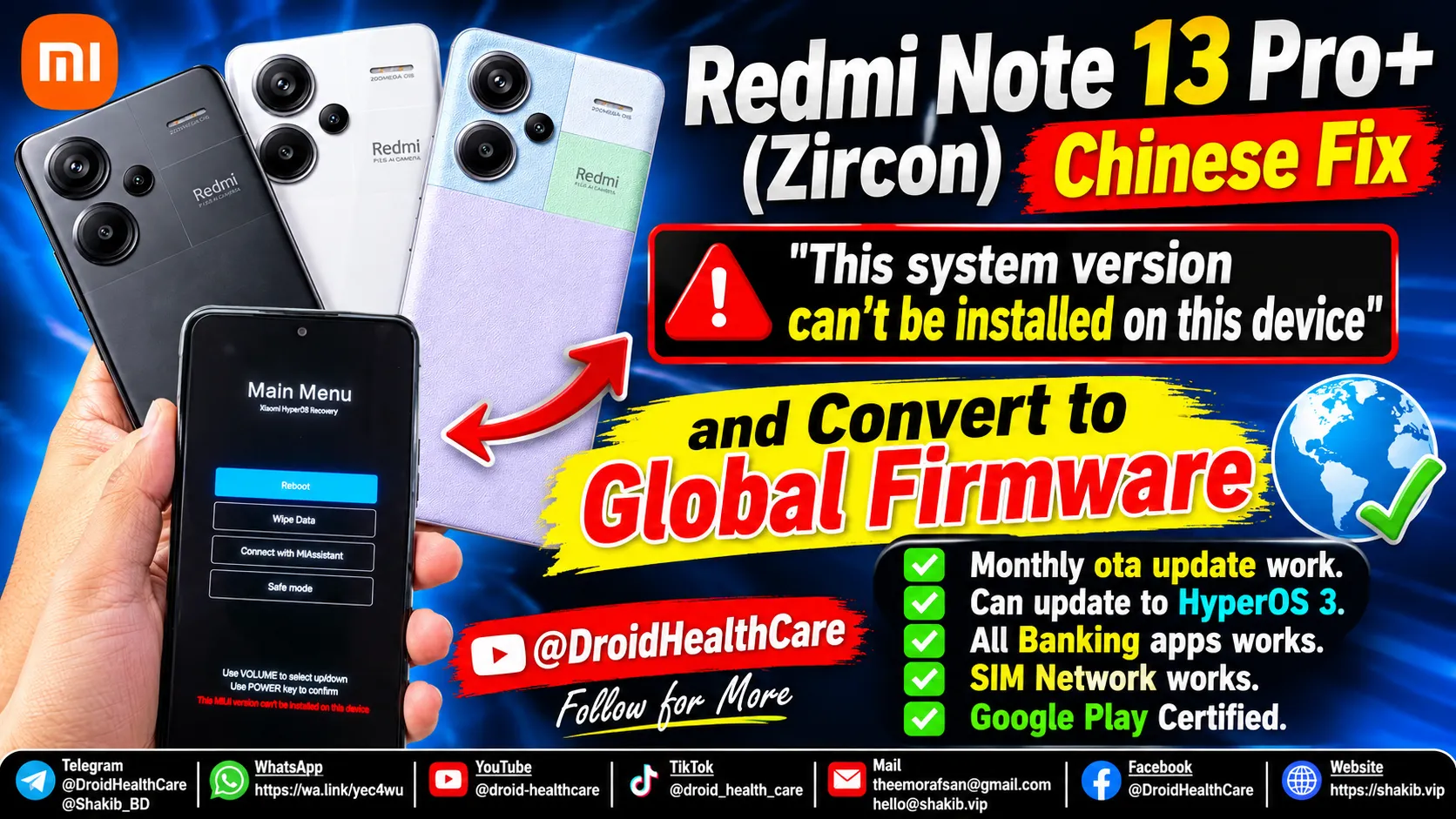
How to Fix Xiaomi “This System Version Can’t Be Installed on This Device” Recovery Error
Hello viewers,
If your Xiaomi, Redmi, or POCO device is stuck in recovery mode and displaying the frustrating error message **“This system version can’t be installed on this device”**, you are not alone. This bootloop/recovery issue usually occurs due to anti-rollback (ARB) protection, mismatched region firmware flashing, or an interrupted system update.
Fortunately, you can get professional help from us! We provide professional remote unbricking services to fix your device safely and efficiently. Additionally, we specialize in converting Chinese (CN) firmware to Global firmware on Xiaomi devices seamlessly.
Why Do Xiaomi Devices Show “This System Version Can’t Be Installed on This Device”?
This error message is a built-in security and verification safeguard implemented by Xiaomi (MIUI / HyperOS). It typically triggers under the following conditions:
- **Firmware Downgrade Block (Anti-Rollback Protection):** Trying to flash an older firmware version over a newer security patch version.
- **Region Mismatch:** Attempting to flash a Global or European (EEA) ROM package onto a Chinese domestic market device without proper authorization or unlocking procedures.
- **Corrupted Recovery Partition:** Failed OTA updates or interrupted sideloading that leaves the recovery environment unable to verify package signatures.
- **Locked Bootloader Restrictions:** Official recovery scripts rejecting signed packages due to signature mismatch or partition state discrepancies.
What is Global Firmware Conversion from Chinese Firmware Without Bootloader Unlock?
Buying Chinese domestic variant Xiaomi phones (such as devices from JD, Pinduoduo, or local imports) often means dealing with Origin/China ROMs that lack Google Play Services out of the box, have delayed notifications, or lack global language packs.
Traditionally, converting a Chinese ROM device to Global required unlocking the bootloader—which often wipes data, breaks certain secure enclaves, or fails entirely on restricted security patches.
**Our Remote Conversion Service:** We provide a secure, professional **remote conversion service** where we convert your Chinese Xiaomi device to official Global firmware **without needing to unlock your bootloader**. We handle everything remotely via specialized tools (EDL / Fastboot protocols) while you sit back.
Benefits of Converting Chinese Firmware to Global Firmware
Our remote conversion solution offers incredible advantages for your daily user experience:
* ✅ **No need for bootloader unlock** (Preserves your device’s security state and warranty guidelines where applicable). * ✅ **Monthly OTA updates work** seamlessly just like a stock global device. * ✅ **Can update up to HyperOS 3** and future official OS releases. * ✅ **All Banking apps work** perfectly (Google Pay, PayPal, local banking apps pass safety checks). * ✅ **SIM Network works** globally with full carrier band compatibility. * ✅ **Google Play Certified** out of the box. * ✅ **Strong Integrity Passed** for secure streaming and financial applications.
Book Your Service Today
Don’t let your device remain stuck in recovery or limited by Chinese firmware restrictions. Let our professional team handle it remotely.
[**Book Your Service Now**](https://shakib.vip/en/booking)
Phone bootloop? I fix it remotely — see repair services.
No fix, no pay — remote support worldwide.

Related Posts
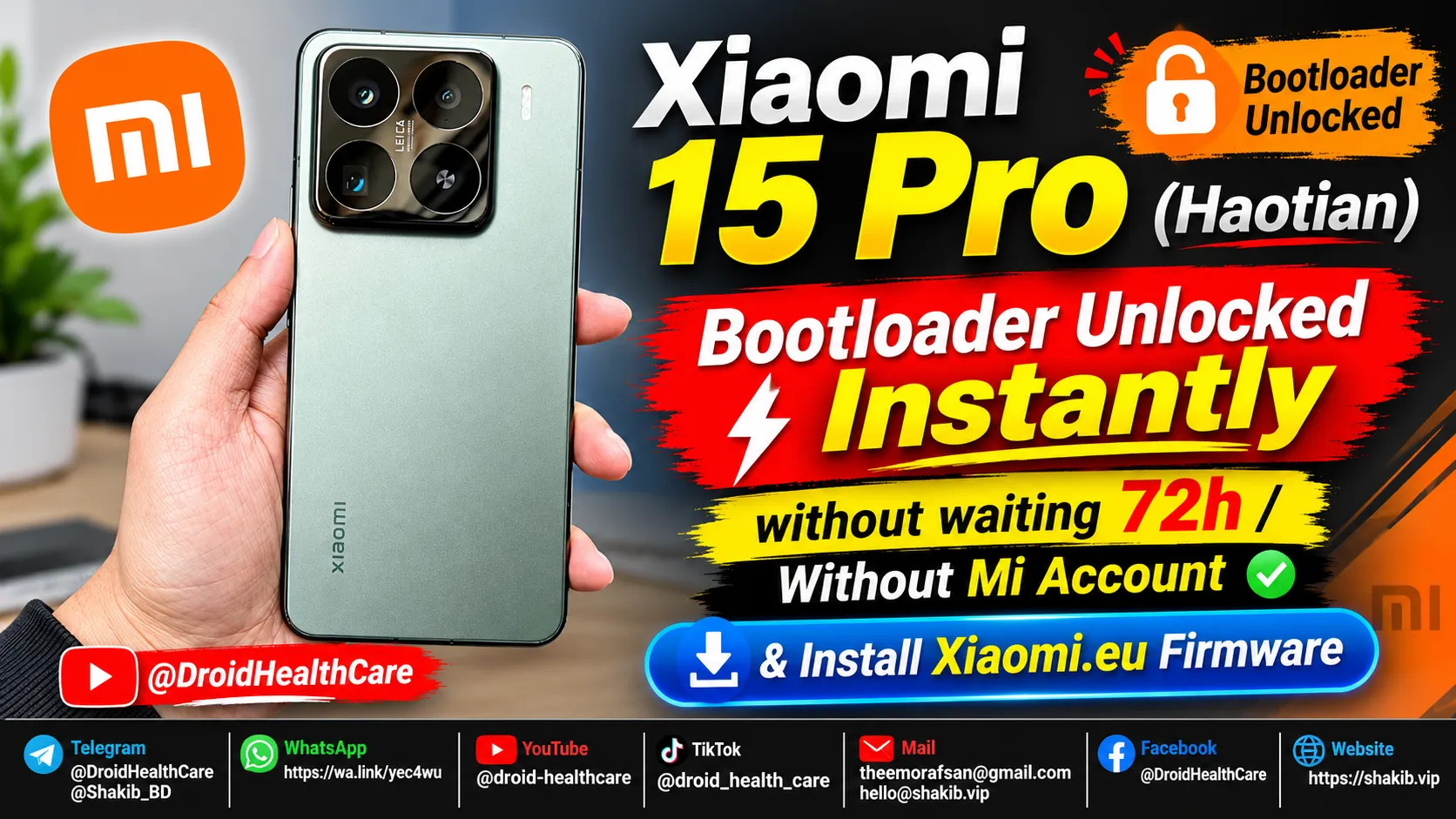
Xiaomi 15 Pro (Haotian) Instant Bootloader Unlock Instantly & Install Xiaomi-EU Firmware
How to unlock Bootloader Xiaomi 15 Pro (Haotian) Chinese region device? bootloader unlock xiaomi 15 pro in 2026.
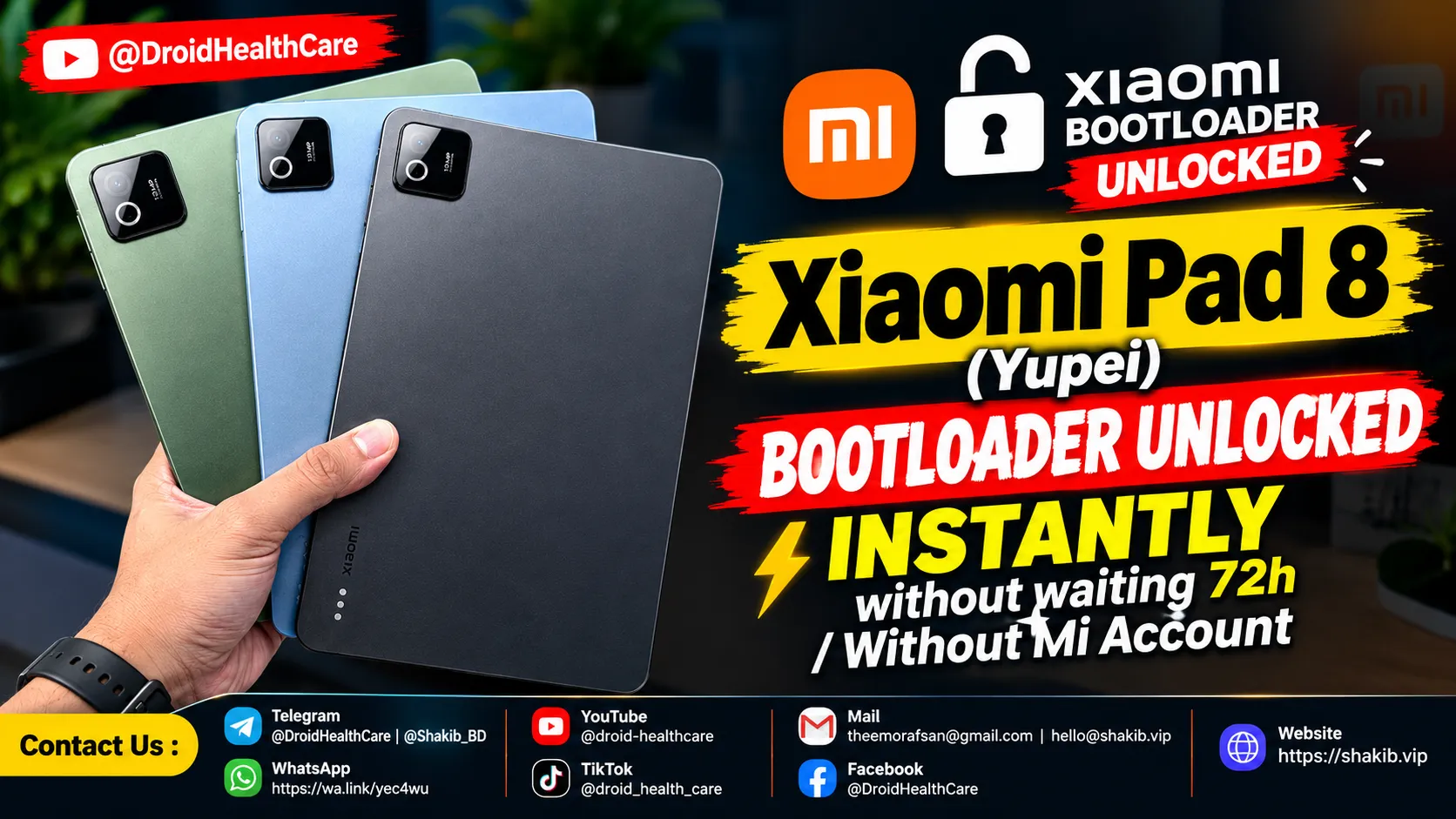
Xiaomi Pad 8 (Yupei) Bootloader Unlock Instantly, No Need Mi Community Permission, No Need Mi Account. (Paid Service)
Bootloader Unlock Xiaomi Pad 8 (Yupei) | How to Unlock Bootloader Xiaomi Pad 8
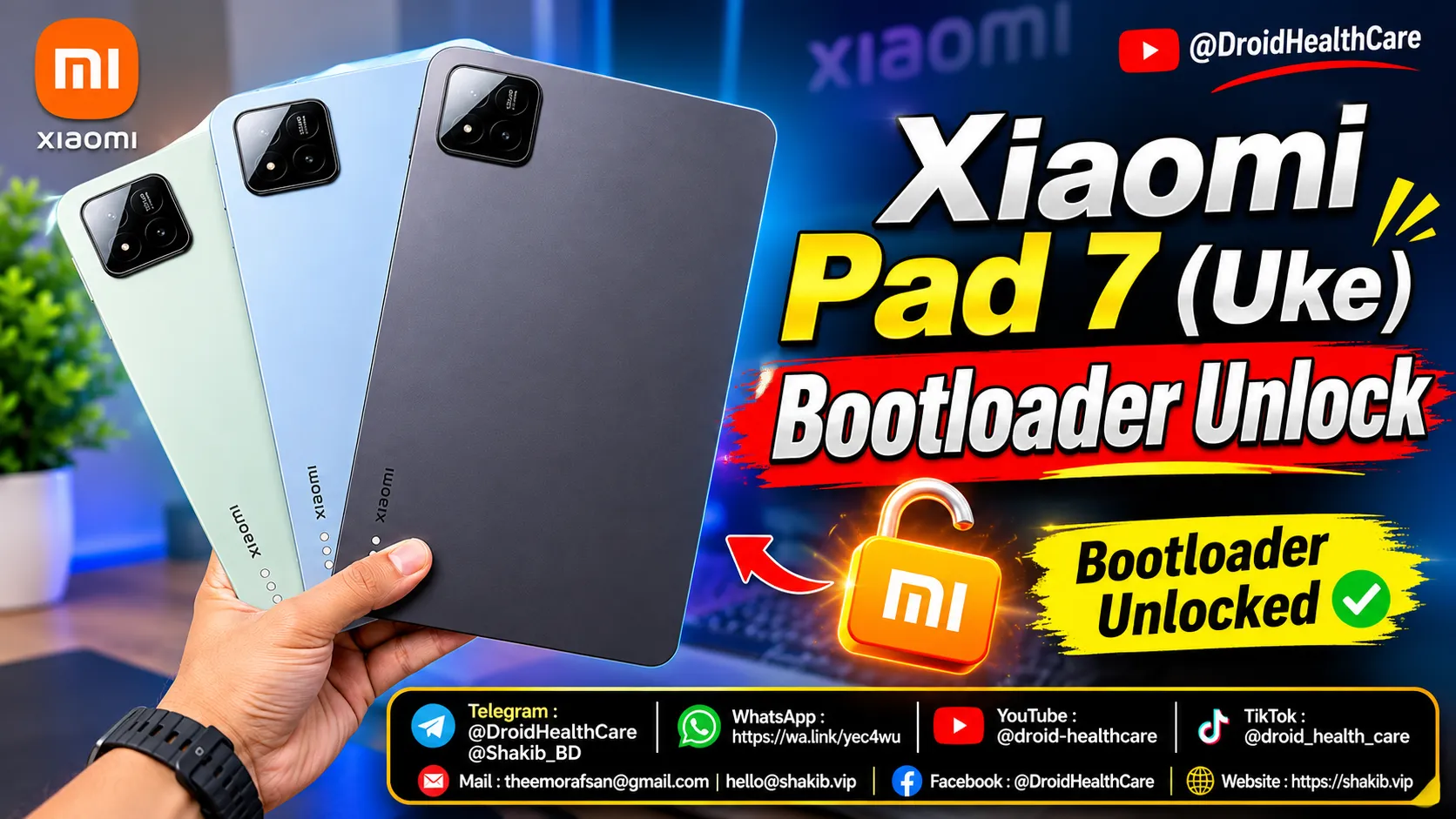
How to unlock bootloader of Xiaomi Pad 7 (Uke) | Xiaomi Pad 7 Bootloader Unlock (Paid Service)
Xiaomi Pad 7 (Uke) Bootloader Unlock Paid Service 2026. How to Unlock Bootloader Xiaomi Pad 7 (Uke)?