Xiaomi Pad 8 (Yupei) Bootloader Unlock Instantly, No Need Mi Community Permission, No Need Mi Account. (Paid Service)
 Shakib's Universe
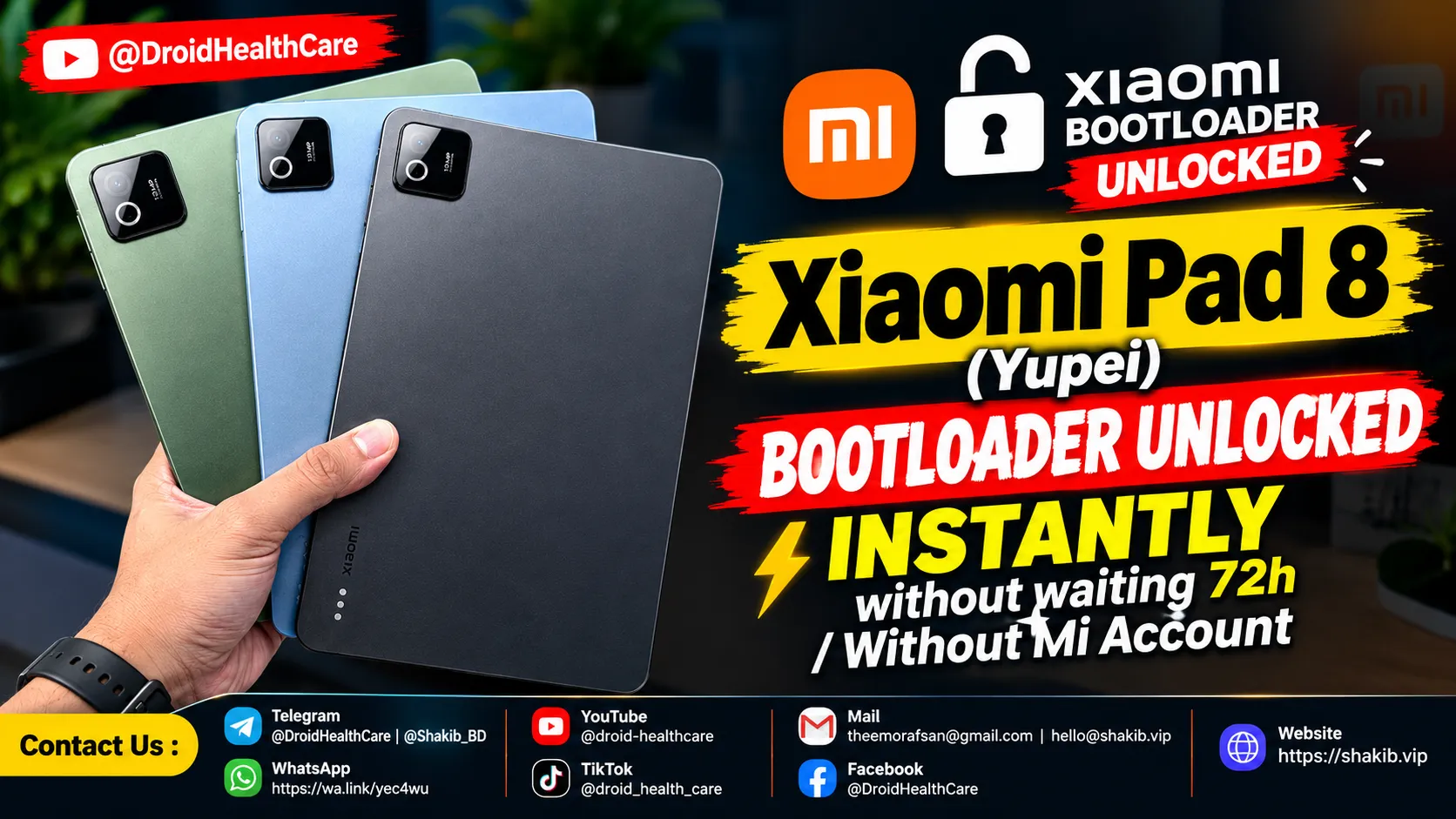
How to unlock bootloader of Xiaomi Pad 8 (Yupei) | Xiaomi Pad 8 Bootloader Unlocked Instantly (Paid Service)
Xiaomi Pad 8 (Yupei) Specifications
- Processor: Qualcomm Snapdragon 8s Gen 4 (4 nm)
- RAM: 8GB / 12GB
- ROM (Storage): 128GB / 256GB (UFS 3.1 / UFS 4.1)
- Cameras: 13 MP Main Rear Camera | 8 MP Selfie Camera
- Display: 11.2-inch IPS LCD, 144Hz, 2136 x 3200 pixels
- Battery: 9200mAh with 45W fast wired charging
Instant Remote Bootloader Unlock Service
We provide Xiaomi Bootloader Unlock Instantly for your device remotely.
- No Waiting Time: Bypass the frustrating 72-hour, 168-hour, or 30-day countdown timers completely.
- No Mi Account Needed: You do not need to bind an account, apply for community permission, or pass any strict application rules.
- High-Version Patch Support: Our direct server authorization works perfectly even on the latest HyperOS security patches.
- Global ROM Ready: Perfectly clears the path if you want to convert your China version (Yupei) to a clean Global or EEA ROM.
Why you must unlock the bootloader from us?
We provide highly reliable services and help you unlock your bootloader instantly without waiting time. Our remote software servicing is handled by professionals, ensuring maximum safety for your hardware and software. We eliminate the risky trial-and-error process, giving you a smooth, secure, and permanent unlock within minutes while preventing hard bricks.
What is a bootloader unlock in a device?
A bootloader is the fundamental security program that runs when you power on your device, deciding which operating system gets loaded into memory. By default, Xiaomi locks the bootloader to restrict unauthorized software modifications. Unlocking it grants you full administrative access to your tablet, allowing you to:
- Flash Custom ROMs or Official Global/Region firmware.
- Gain root access (using Magisk, KernelSU, etc.) for advanced system modifications.
- Install custom recoveries like TWRP or OrangeFox.
- Optimize system performance and remove unwanted pre-installed bloatware.
What is required to flash from us?
- A Windows PC (Windows 10/11 64-bit).
- A stable, high-speed internet connection (crucial to prevent interruptions during remote flashing).
- AnyDesk or UltraViewer installed for our remote access session.
- The original Xiaomi USB cable to ensure a secure connection.
Order Now
🔗 Or visit directly: https://shakib.vip/en/booking
Phone bootloop? I fix it remotely — see repair services.
No fix, no pay — remote support worldwide.
Updated on

Related Posts
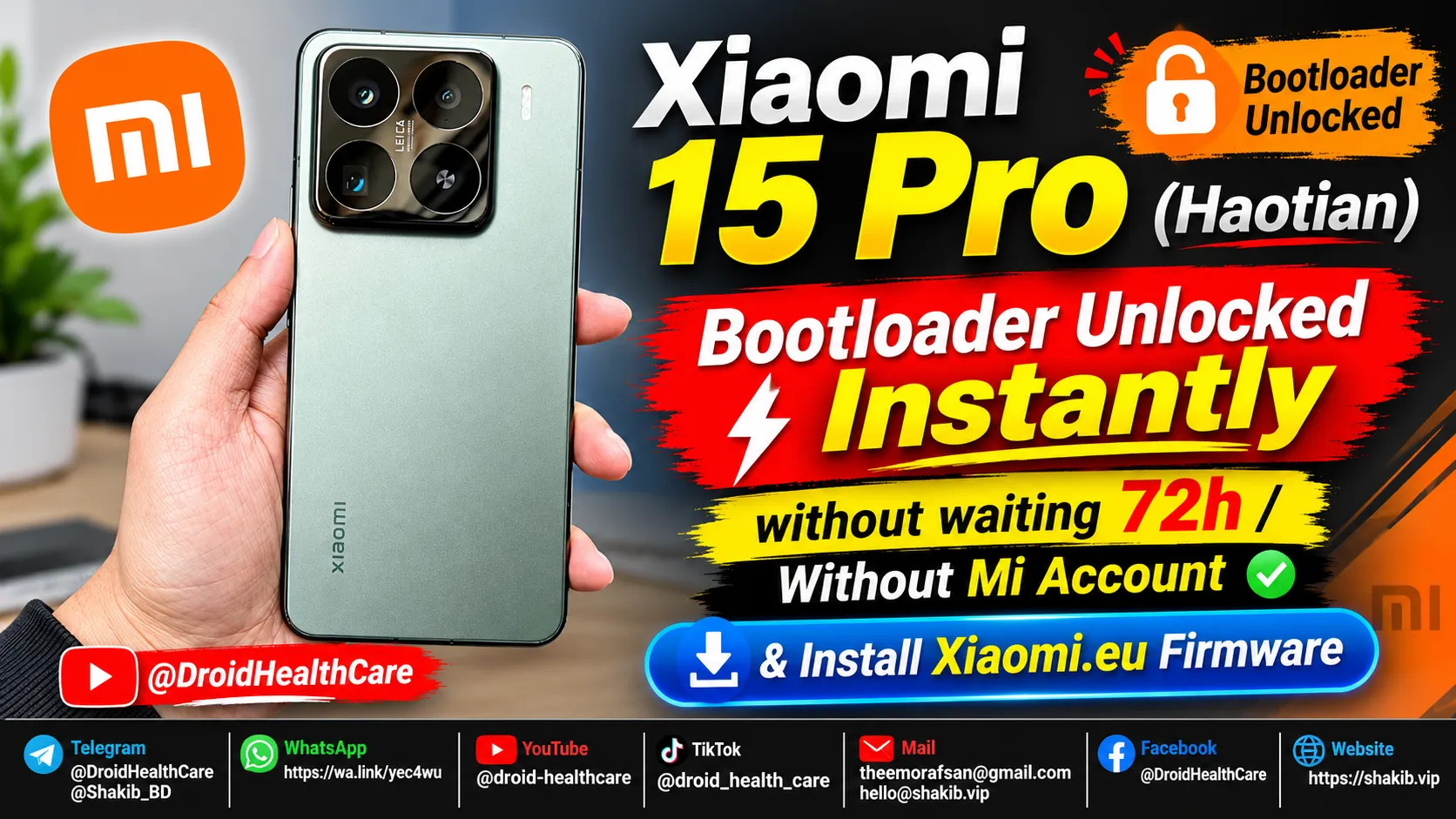
Xiaomi 15 Pro (Haotian) Instant Bootloader Unlock Instantly & Install Xiaomi-EU Firmware
How to unlock Bootloader Xiaomi 15 Pro (Haotian) Chinese region device? bootloader unlock xiaomi 15 pro in 2026.
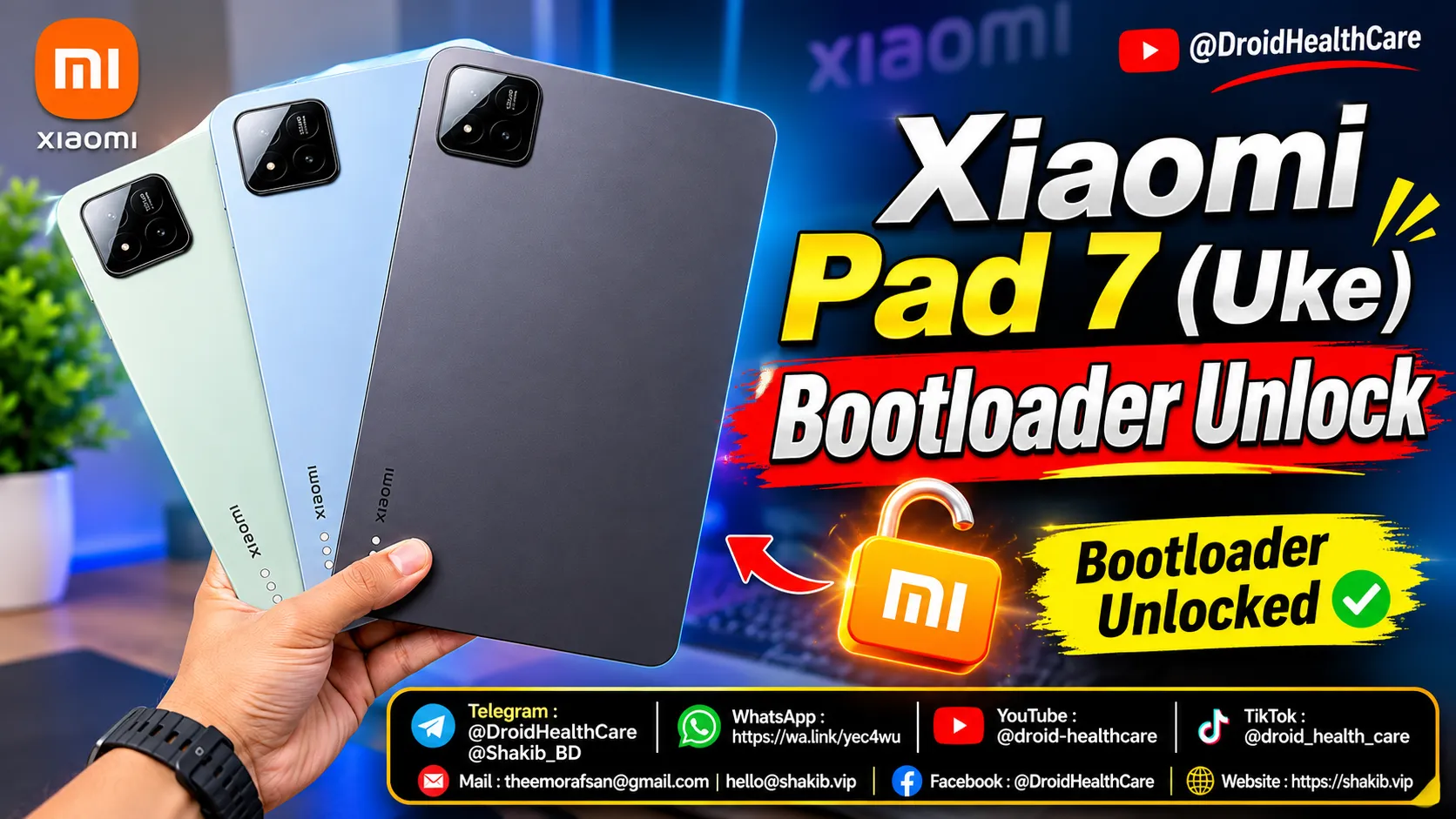
How to unlock bootloader of Xiaomi Pad 7 (Uke) | Xiaomi Pad 7 Bootloader Unlock (Paid Service)
Xiaomi Pad 7 (Uke) Bootloader Unlock Paid Service 2026. How to Unlock Bootloader Xiaomi Pad 7 (Uke)?
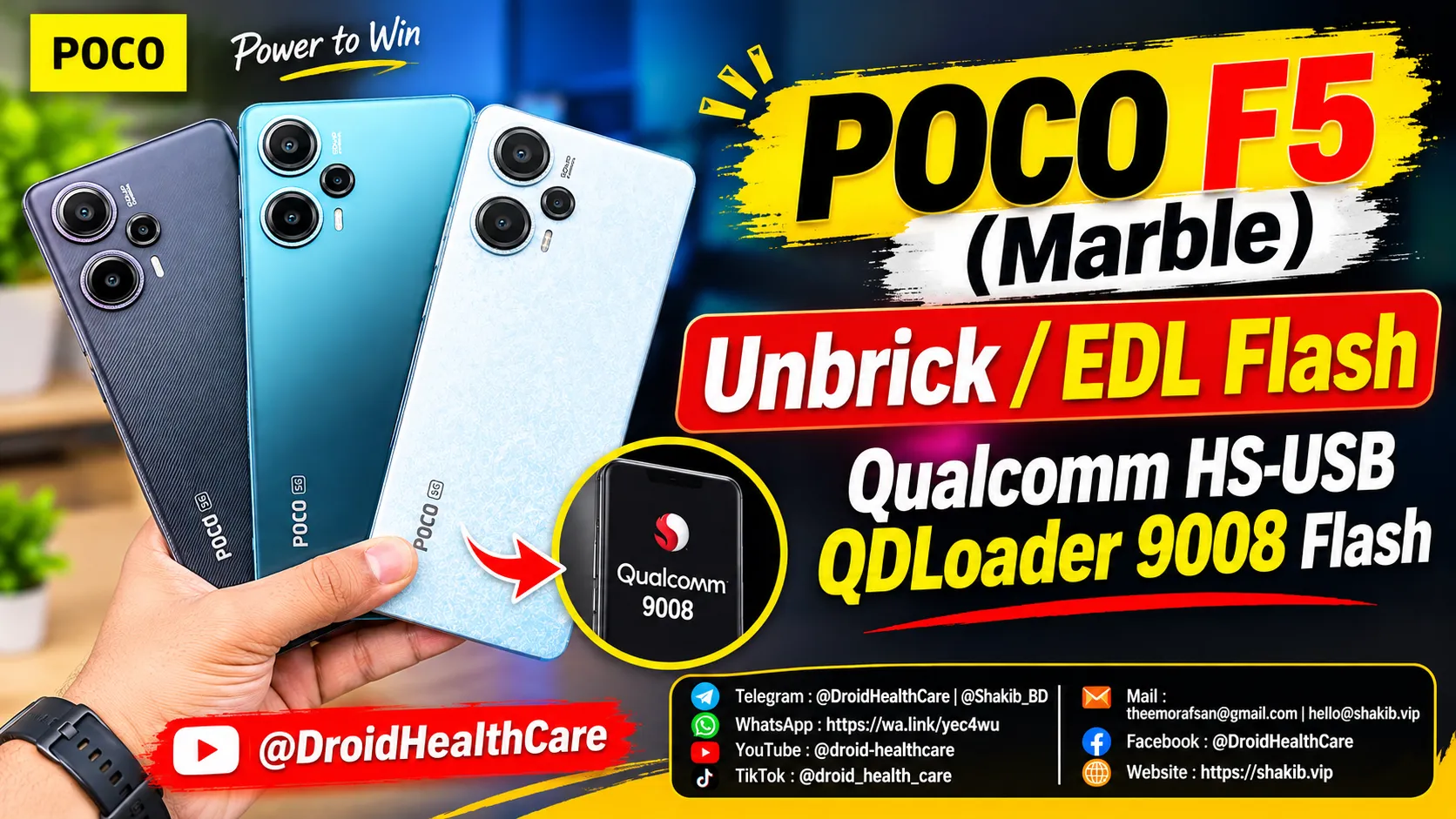
Poco F5 (Codename: Marble) Hardbrick Fix | Unbrick | Dead Boot Repair | Qualcomm HS-USB QDLoader 9008 Mode Flash | Fix Black Screen Solution.
Poco F5 (Marble) Edl Flash / HardBrick Fix / DeadBoot Repair / Qualcomm HS-USB QDLoader 9008 Flash.