Xiaomi 15 Ultra (Xuanyuan) Bootloader Unlock Instantly Without Mi Account & Install Global Firmware
 Shakib's Universe
- Video Demonstration
- Overview: Xiaomi 15 Ultra (Xuanyuan)
- Why Unlocking the Bootloader is Essential
- Freedom to Switch Firmware
- Software Recovery & Unbrick Protection
- Full Root & Advanced Tweaks
- Why Global Firmware is Superior to China ROM
- Native Google Ecosystem (GMS)
- Seamless Banking & Payment Apps
- Complete Multi-Language Support
- Reliable Push Notifications (Google FCM)
- Zero Chinese Bloatware
- Android Auto & Wear OS Compatibility
- Key Features of Our Remote Unlocking Service
- Service Booking
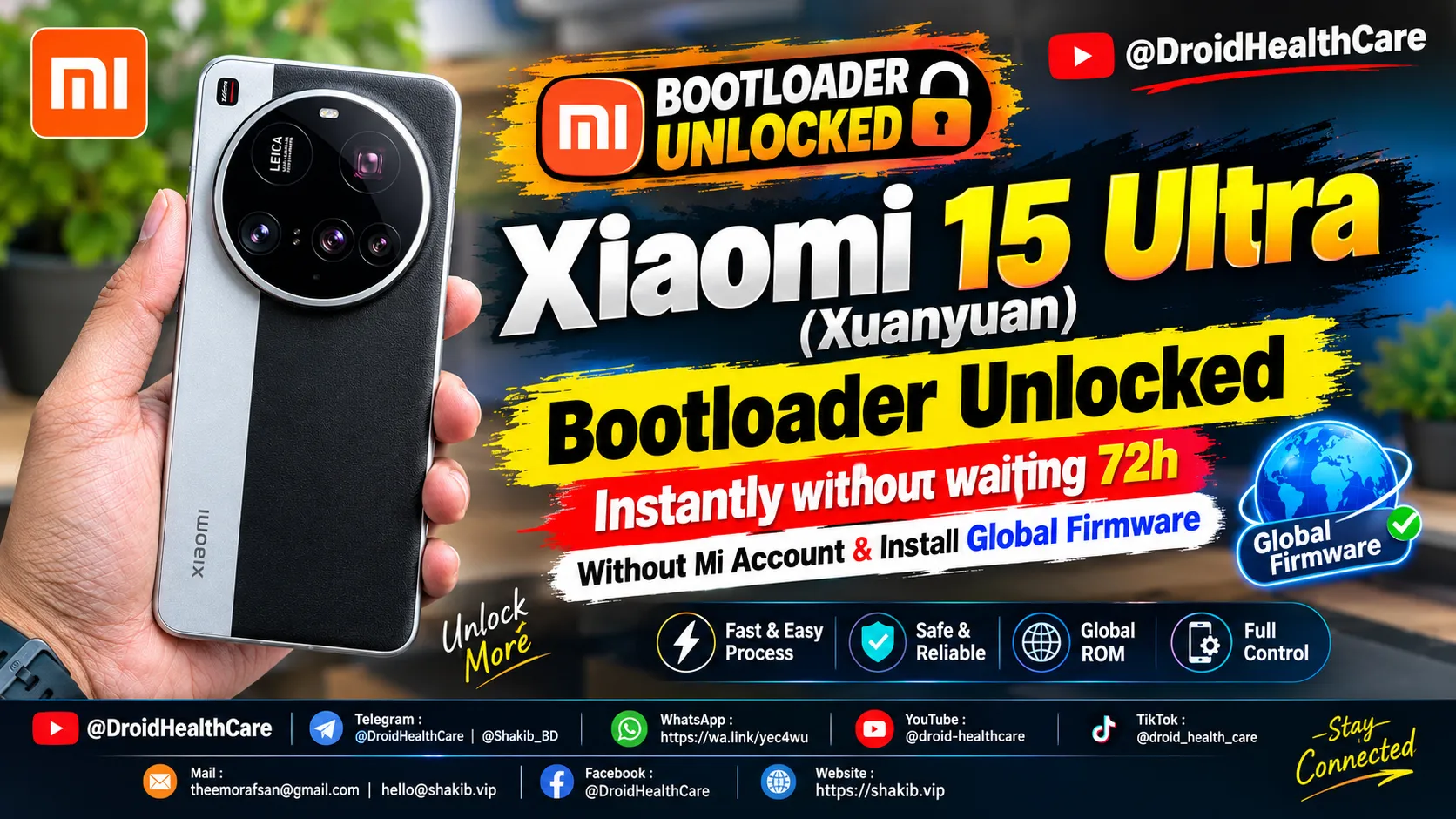
Unlocking the bootloader on the flagship Xiaomi 15 Ultra (codenamed “xuanyuan”) running Xiaomi HyperOS is essential for switching from Chinese firmware to official Global or European (EEA/EU) ROMs, gaining root privileges, or setting up unbrick protection.
With HyperOS security policies, official unlock permissions have become notoriously strict: requiring high-tier Mi Community levels, Chinese mainland identity verification, and restrictive nightly quotas that vanish within milliseconds. Our professional remote service removes these roadblocks completely.
Video Demonstration
Watch the step-by-step video demonstration of unlocking the Xiaomi 15 Ultra bootloader and installing Global firmware:
Overview: Xiaomi 15 Ultra (Xuanyuan)
The Xiaomi 15 Ultra represents the pinnacle of mobile photography and raw processing power:
| Specification | Details |
|---|---|
| Codename | xuanyuan |
| Processor | Qualcomm Snapdragon 8 Elite (3nm, Oryon CPU) |
| Display | 6.73″ 2K LTPO AMOLED, 120Hz, Dolby Vision |
| Camera | Quad Leica 50MP + 200MP Periscope Telephoto |
| Battery & Charging | 6,000mAh, 90W HyperCharge wired, 50W wireless |
| Operating System | Xiaomi HyperOS 2.0 based on Android 15 |
While Chinese editions feature exceptional hardware, they come pre-installed with Chinese firmware that lacks out-of-the-box Google ecosystem integration and full international language support.
Why Unlocking the Bootloader is Essential
Unlocking the bootloader provides full administrative freedom over your hardware:
Freedom to Switch Firmware
Unlocking the bootloader is the mandatory prerequisite to convert a China-edition Xiaomi 15 Ultra to official Global, European (EEA), India, or custom ROMs like Xiaomi.eu.
Software Recovery & Unbrick Protection
Gain direct Fastboot and recovery partition access. This allows you to easily recover from bootloops, system errors, or corrupted OTA updates without sending your device to a service center.
Full Root & Advanced Tweaks
Unlock full root access via KernelSU or Magisk to eliminate remaining bloatware, enable advanced camera mods, improve battery efficiency, and customize system fonts and UI.
Why Global Firmware is Superior to China ROM
Switching to official Global/EEA firmware provides a dramatically better day-to-day experience outside mainland China:
Native Google Ecosystem (GMS)
Fully certified Google Play Services out-of-the-box. Enjoy flawless synchronization with Google Play Store, Gmail, Google Maps, Google Drive, Chrome, and Google Photos without side-loading bugs.
Seamless Banking & Payment Apps
Native SafetyNet and Play Integrity support ensures Google Wallet, contactless NFC payments, and regional banking applications operate securely without device mismatch errors.
Complete Multi-Language Support
Enjoy full system-wide localization across languages including English, Spanish, Portuguese, Indonesian, Russian, French, German, and Arabic—unlike China ROM which only offers Chinese and basic English.
Reliable Push Notifications (Google FCM)
China ROM enforces aggressive background app killing that often delays or drops messages on WhatsApp, Telegram, Signal, and Instagram. Global firmware relies on native Google Firebase Cloud Messaging (FCM) for instant alerts.
Zero Chinese Bloatware
Removes Chinese-market third-party applications, Chinese search engines, and background telemetry services, freeing up internal storage and reducing memory consumption.
Android Auto & Wear OS Compatibility
Full support for Android Auto car dashboard integration, Wear OS smartwatches, and regional navigation tracking that fails to function on Chinese builds.
Key Features of Our Remote Unlocking Service
- Instant Unlock: No 168-hour or 720-hour (up to 30 days) mandatory waiting period.
- No Mi Community Application: Bypass Level 5 Mi Community requirements and daily midnight quota queues.
- No Account Binding Required: No personal account lockouts, regional mismatch errors, or SIM data binding issues.
- Latest Security Patch Support: Compatible with all current HyperOS security patch levels and Android 15 versions.
- Safe & Remote Assistance: Performed over a secure remote session (Windows PC + USB cable + AnyDesk).
Service Booking
Ready to unlock your Xiaomi 15 Ultra and upgrade to official Global firmware? Book a remote session with us:
Phone bootloop? I fix it remotely — see repair services.
No fix, no pay — remote support worldwide.

Related Posts
Xiaomi Pad 8 (Yupei) Bootloader Unlock Instantly, No Need Mi Community Permission, No Need Mi Account. (Paid Service)
Bootloader Unlock Xiaomi Pad 8 (Yupei) | How to Unlock Bootloader Xiaomi Pad 8
How to unlock bootloader of Xiaomi Pad 7 (Uke) | Xiaomi Pad 7 Bootloader Unlock (Paid Service)
Xiaomi Pad 7 (Uke) Bootloader Unlock Paid Service 2026. How to Unlock Bootloader Xiaomi Pad 7 (Uke)?
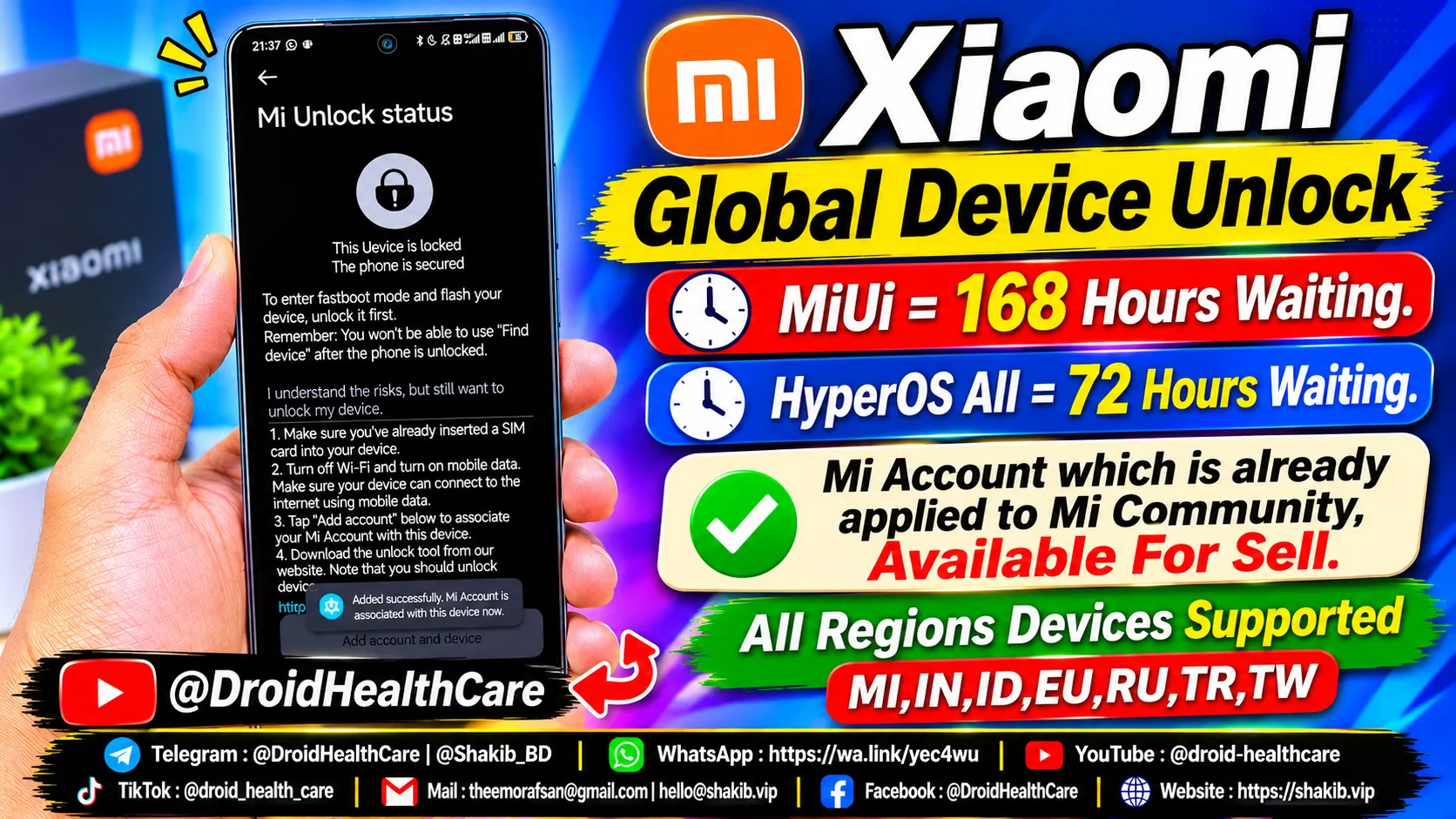
Get Xiaomi Global Devices Bootloader Unlock Service using a Mi Community-authorized permission account. Buy or rent an eligible Mi Account to unlock supported Xiaomi, Redmi, and POCO devices across multiple regions.
Buy/Rent Mi Community Permission-Authorized Account to Unlock Global Xiaomi/Poco/Redmi Devices.